U11PRO User Manual
Copyright ©2023 Ruko All Rights Reserved.
36
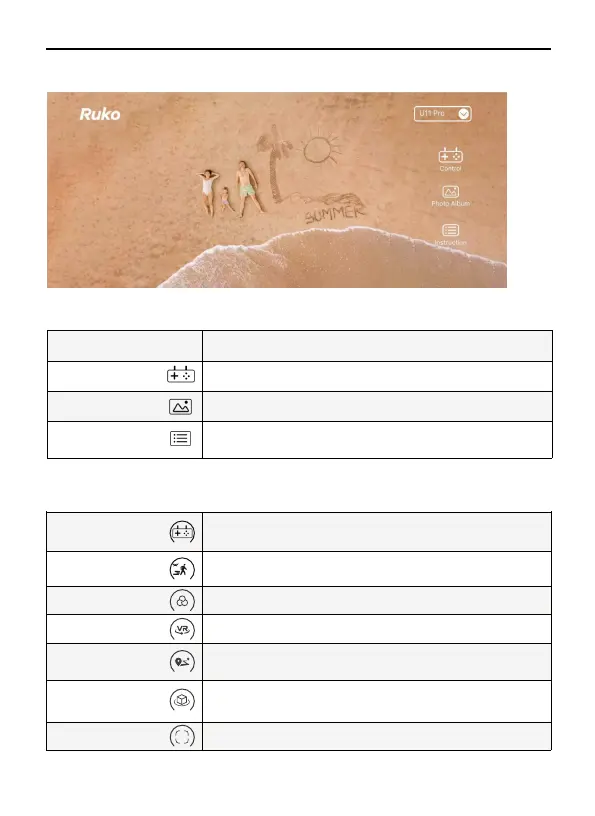
Choose U11PRO Model
U11PRO
Click the Photo album to view photo and video
Photo Album
Click the Control enter to control interface
Control
Enter to Video Guide, APP Guide, Disclaimer&Safety Guidelines, Quick
Start Quide, User Manual. Contact Us:rukotoy.com
Instruction
Home
MORE Features
5 Ruko Fly App
You can use your mobile phone to control the drone through the virtual joystick.
Mobile phone joystick
GPS Follow
Filters
VR
Route planning
Fly Around
Camera Angle Adjust camera angle
Tap to start the follow me function, the Aircraft will use the GPS in the
smartphone to follow you
Tap to select a different filter mode to take photos or videos.
Click this button to use the VR glasses function.
Click the change icon to enter the map, selecta waypoint on the map, and
the Aircraft will follow the waypoint to fly. Up to 21 waypoints can be set.
Click to enter the orbital flight, you can control the surround distance in
therange of 5-20 meters through the right joystick front and back, and
adjust the surround speed and direction from left to right
+



 To Next Page