25
6.3 Configuration Basics
For the device to be fully operational, it must have a configuration file uploaded to it. A configuration
file contains information on what functionalities are active, how they are configured and what kind
of data is included in records.
You can upload the same configuration file to multiple devices, making it easy to receive identical
data from all your vehicles.
6.3.1 File Extension
Configuration file extension for FM-Plug4 devices: .fo4c
6.3.2 Loading a Configuration from a File
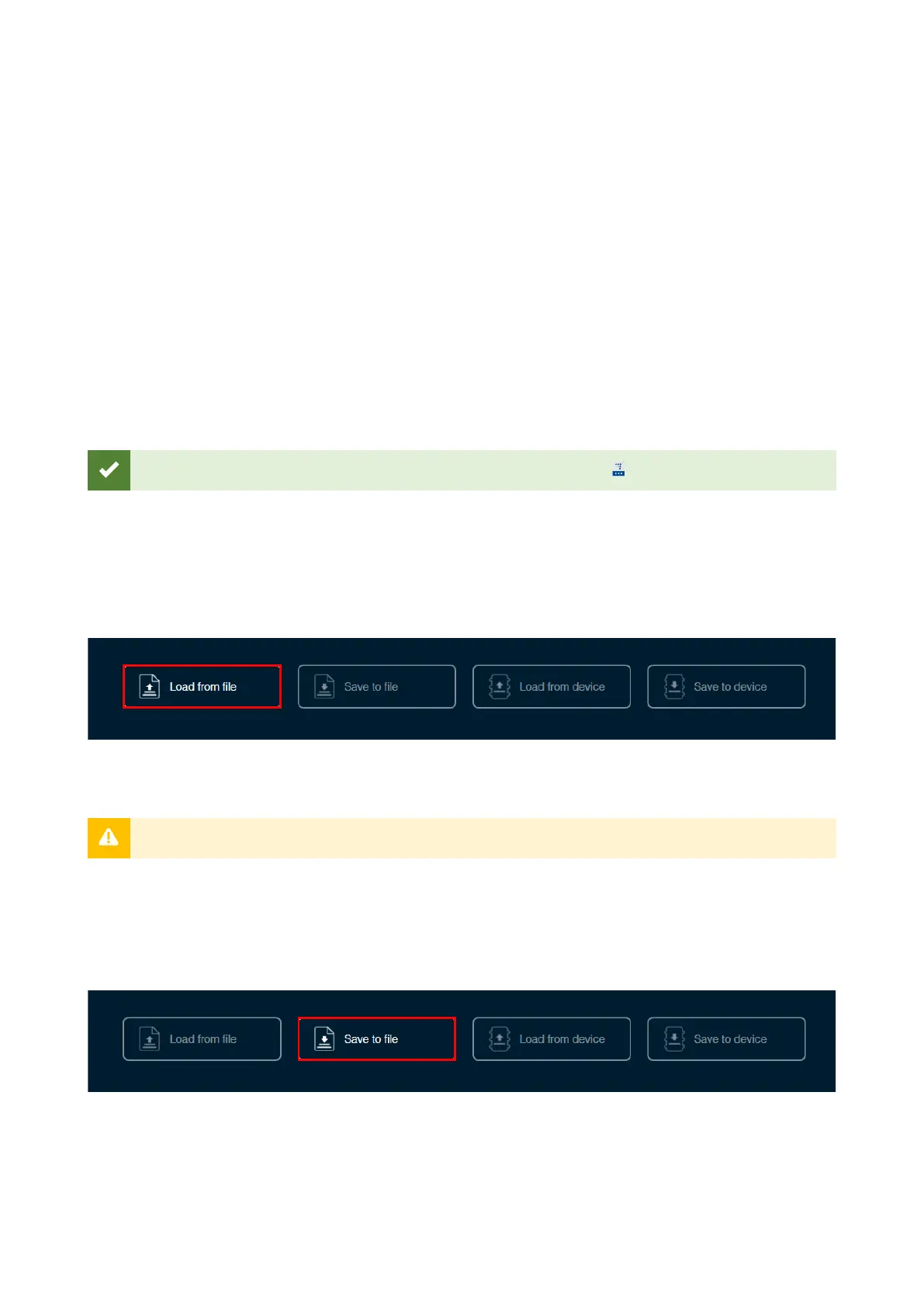
Click Load from file in the button bar. Locate your configuration file and click Open.
You can also load a configuration file by dragging and dropping the file into the Device Center.
6.3.3 Saving a Configuration to a File
Click Save to file in the button bar. Choose where to save your configuration file and click Save.


 To Next Page