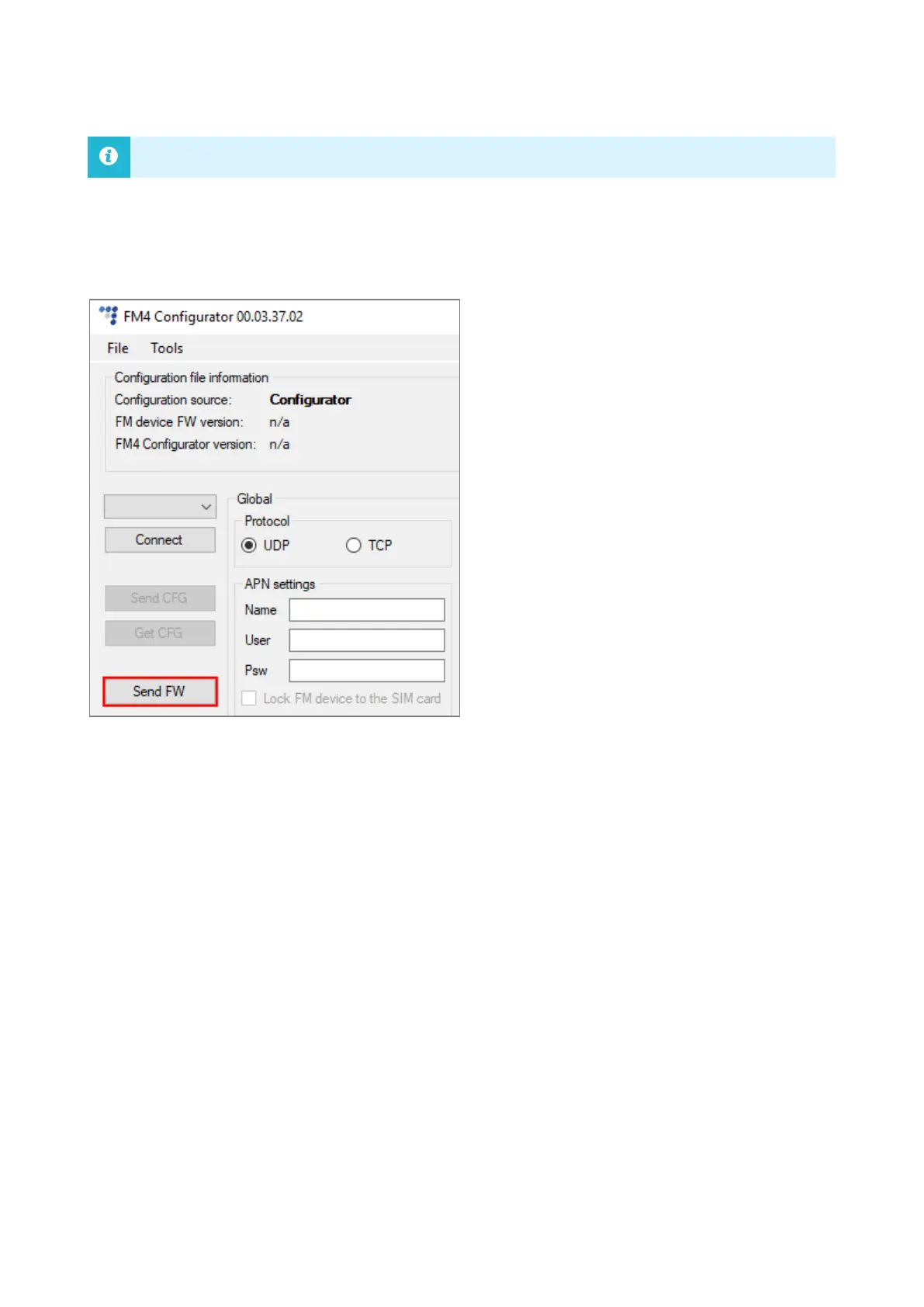
To update firmware manually, open the advanced configurator. Click Connect and Send FW in the
main configurator menu. Locate your firmware file and click Open. The firmware update process
will start.
6.7.4 Updating Firmware Over-the-air
The exact process of how to update firmware over-the-air depends on your fleet management
software. The following conditions must be met for the update to be successful:
• The device must be connected to a power supply
• The device must be connected to a GSM/GPRS network


 To Next Page