34
7 Installation in Vehicle
To install the device, you need to connect it to the OBD2 socket. Locate the OBD2 socket in your
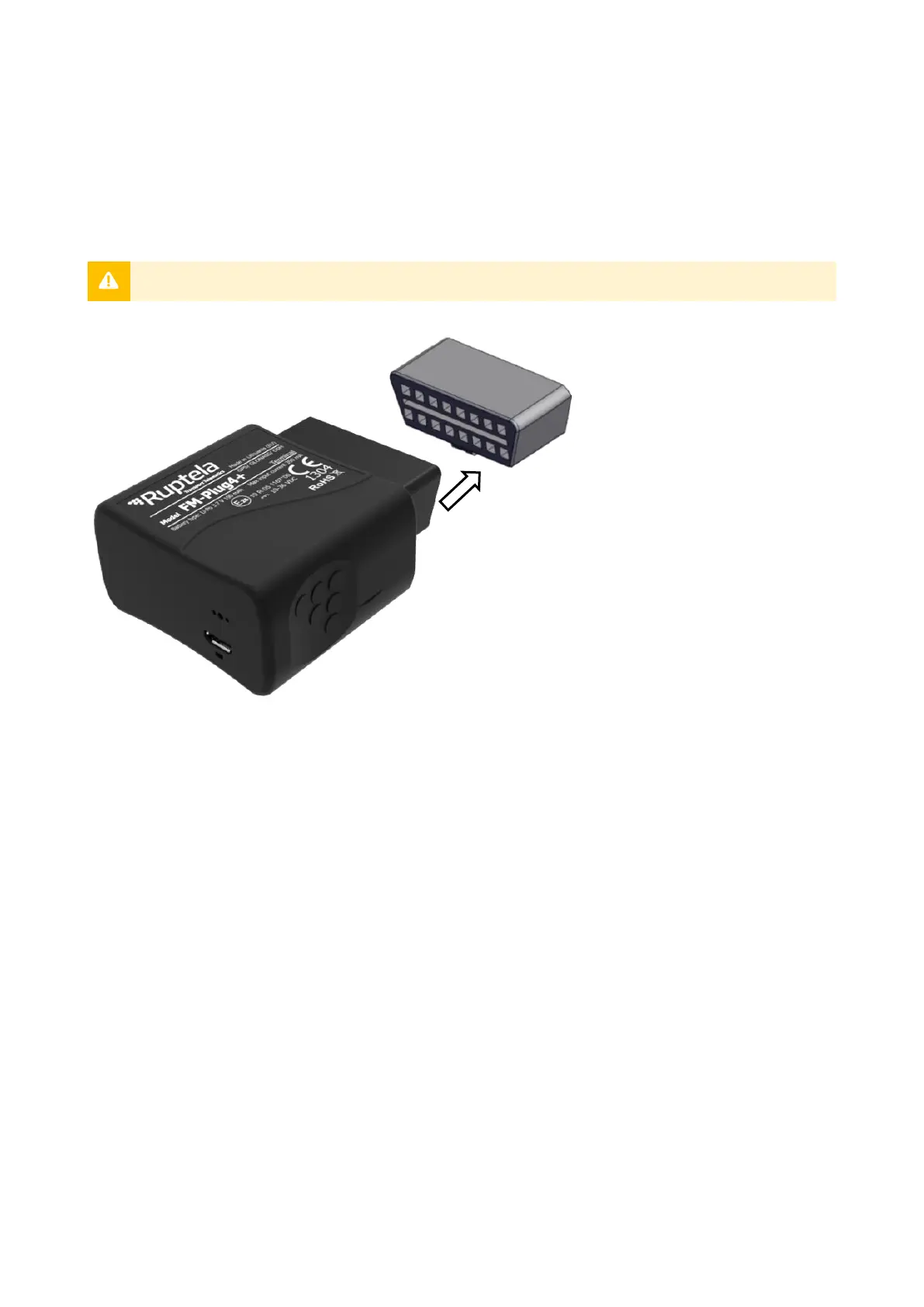
vehicle (typically located on the driver side, underneath a panel). Insert the device into the OBD2
socket as shown in the image below.
There is only one way to plug the device in, be careful not to damage the pins.
7.1 Installation Check-up
1. Take several minutes to review the installation, check that the device is connected properly.
2. Turn on the vehicle ignition and wait for several minutes.
3. Check that the required data is received by sending an SMS command or checking your fleet
management platform.
4. Finish up the installation, make sure that all panels are firmly reattached.


 To Next Page