16
4
7
2
5
3
6
1
1
12
4
8
2
11
15
7
9
10
5
6 8
9
10
3
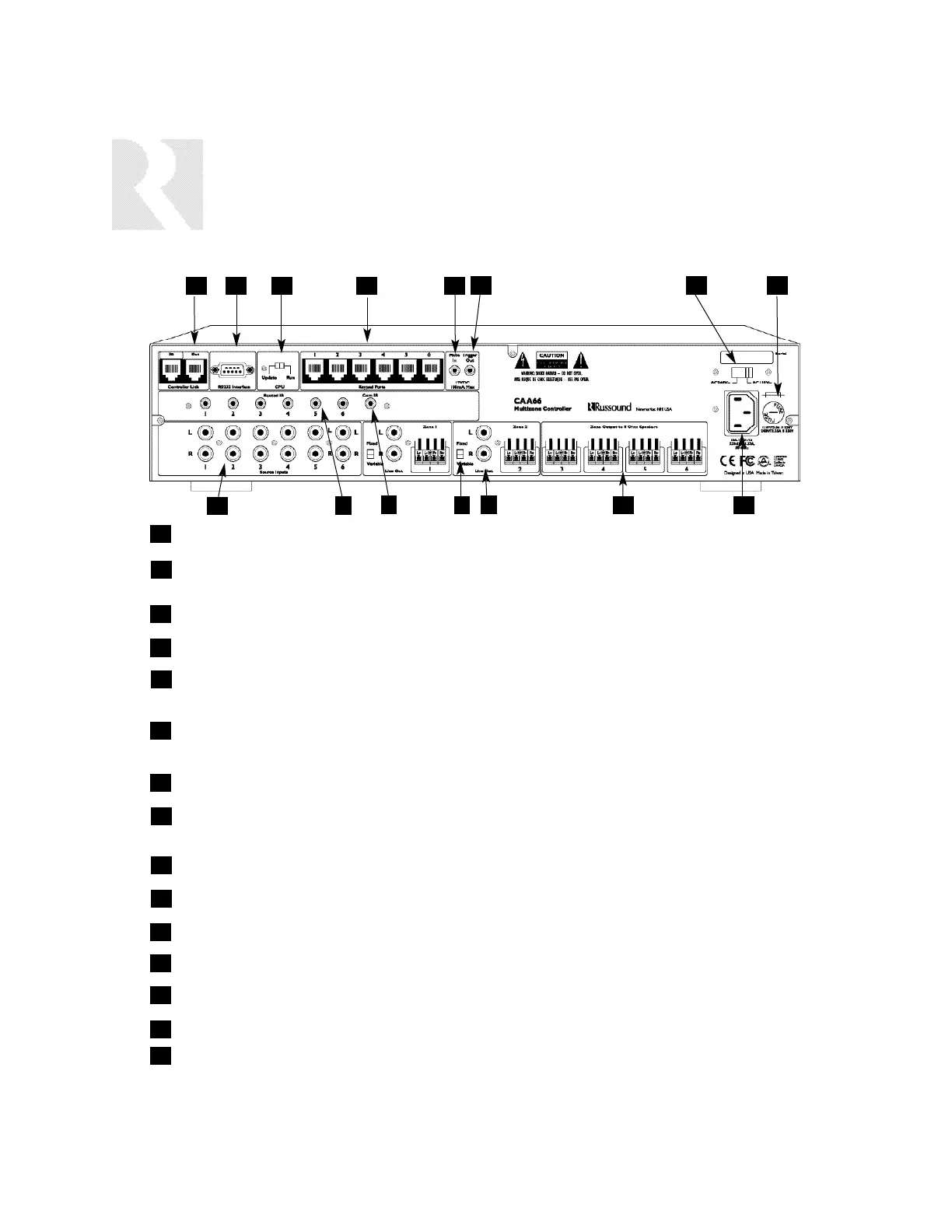
CONTROLLER LINK IN AND LINK OUT - Links multiple CAA66 controllers and peripherals.
RS-232 INTERFACE - The RS-232 Interface allows the zones to be controlled by PC or other
devices that have an RS-232 Interface, allows for firmware updates and programming.
CPU UPDATE SWITCH - For firmware updates.
KEYPAD PORTS - One KP6/KPL Keypad Port for each of the six CAA66 Zones.
MUTE 12VDC TRIGGER IN - Applying 12VDC to the Mute 12VDC Trigger In jack will mute audio
for assigned CAA66 Zones.
12VDC TRIGGER OUT - 12VDC 100mA Trigger Out turns on when any zone is on, and turns off
5 minutes after the last zone is turned off.
AC-240V/AC-110V Switch - Switches A/C input voltage between 240VAC and 110VAC.
FUSE HOLDER - Holds a replaceable fuse for A/C input connection:
110VAC operation - F3A H 250V; 240VAC operation, T1.25A H 250V.
AC 120/240 INPUT - Grounded 3-terminal plug detachable power cord connection.
ZONE OUTPUTS - Detachable color-coded modular 8-ohm speaker connectors for each zone.
AUDIO OUTPUT - Audio line level output.
FIXED/VARIABLE SWITCH - Change line out between fixed and variable output.
COMMON IR OUTPUT - Output jack passes all IR signals from all keypads.
SOURCE IR OUTPUTS - Six source-specific IR Output jacks allow IR control of source equipment.
SOURCE INPUTS - Six pair of Audio Line Level input connections for CAA66 source components.
12
13
14
15
INSTALLER
COMPONENT GUIDE
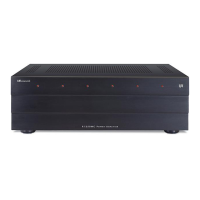
Controller Back Panel
11
13
14


 To Next Page