Dedicated player
29
9) Stop: Stop video playback.
.
10) Down: Playback video recording angle in downward facing view.
.
11) Top: Playback video recording angle in top facing view.
.
12) Front: Playback video recording angle in front facing view.
13) Split2: Display playback video in dual screen mode (front/back).
14) Split4: Display playback video in quad screen mode (front/back/left/right).
15) 360Surround: Playback video recording in 360 surround view.
16) Wide: Display playback video in wide angle.
17) Volume: Adjust the volume of the video.
18) Open: Open the folder to select video to play.
19) Convert: Convert recorded video files into MP4 format.
.
20) FullScreen: Full screen display.
21) Help: Instructions of the Tombo360 viewer.
22) Minimize: Hide the Tombo360 viewer display.
23) Maximize/Restore: Maximize/restore the Tombo360 viewer display.
24) Close: Close the Tombo360 viewer.
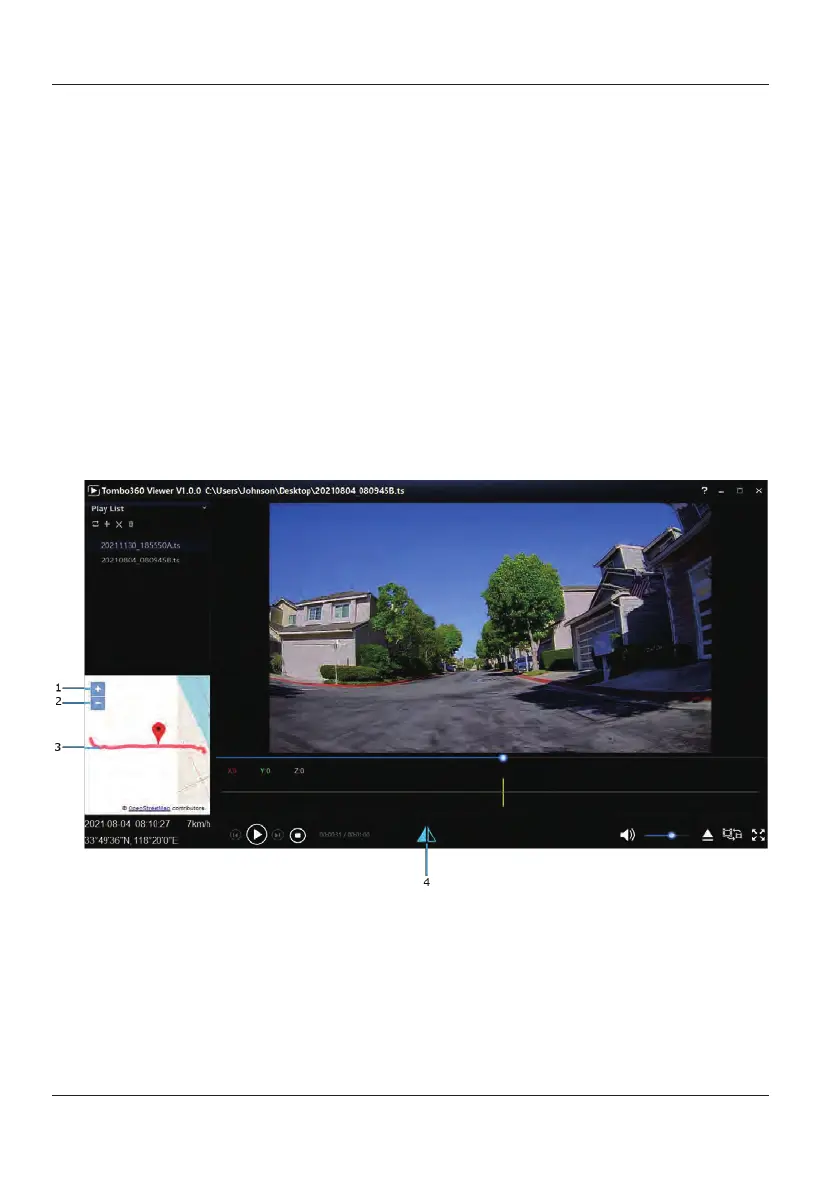
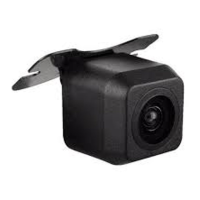
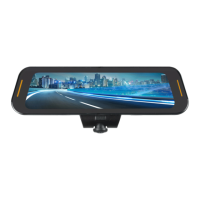
Tombo360 Rear Camera Viewer Menu
1)
Zoom in: Zoom in the map.
2)
Zoom out: Zoom out the map.
3)
GPS trace playback.
4)
Mirror On/Off: Display mirror/original image.


 To Next Page