12
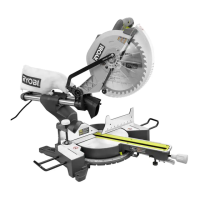
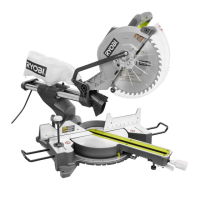
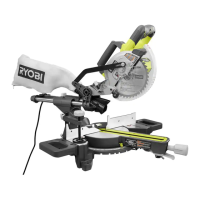
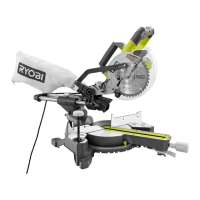
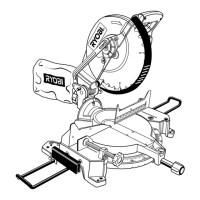
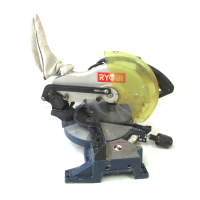
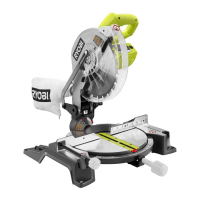
FEATURES
The following tools (not included) are needed for making adjustments or installing the blade:
TOOLS NEEDED
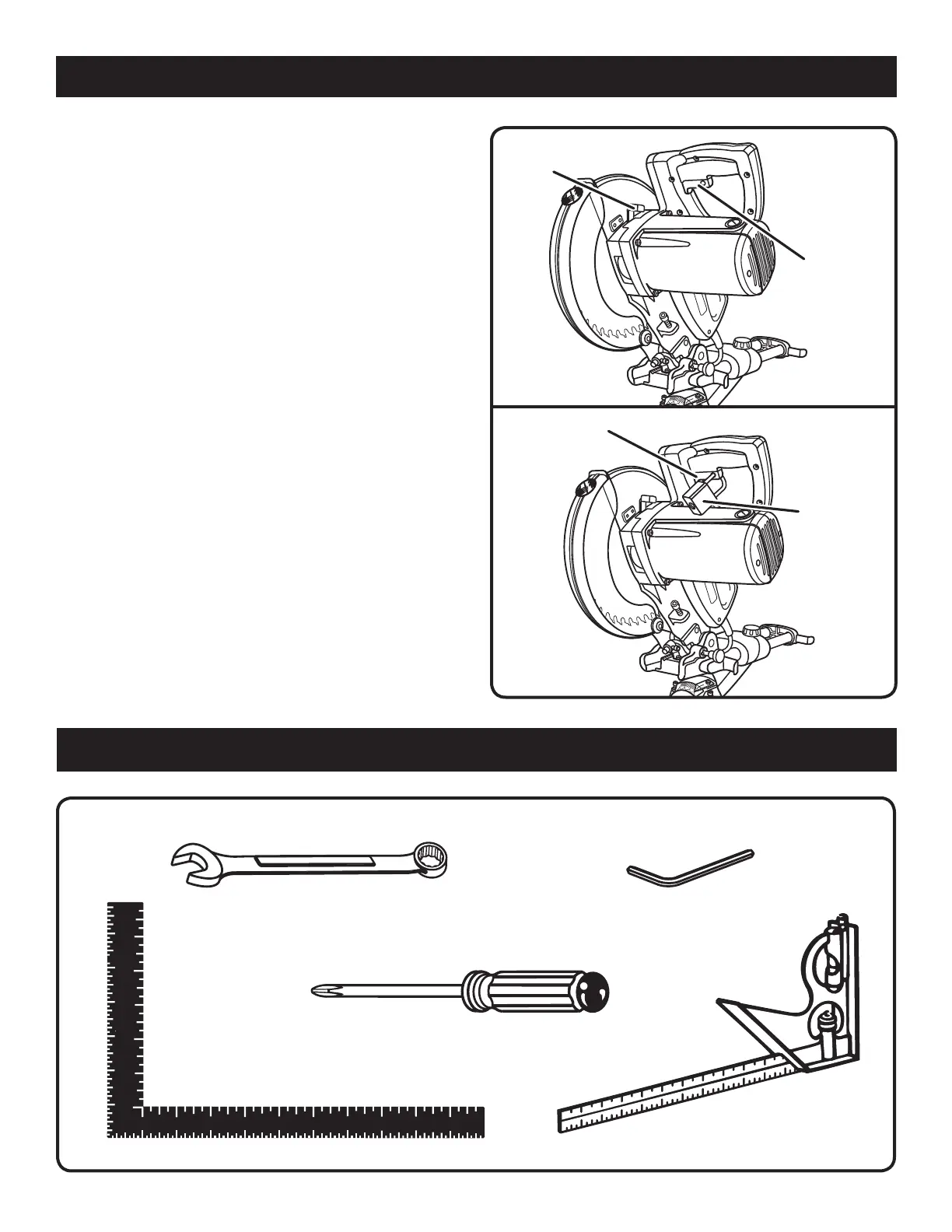
Fig. 6
coMBination
SQuare
FraMinG SQuare
coMBination wrencheS (2)
(10 mm, 12 mm)
heX keYS (3)
(3 mm, 5 mm, 6 mm)
Fig. 4
Fig. 5
Padlock
Switch
triGGer
Switch
triGGer
SPindle
lock Button
PhilliPS ScrewdriVer
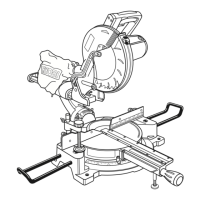
SLIDE LOCK KNOB
The slide lock knob locks and unlocks the sliding feature
of this tool.
SPINDLE LOCK BUTTON
See Figure 4.
The spindle lock button locks the spindle and stops the
blade from rotating. Depress and hold the lock button while
installing, changing, or removing blade.
SWITCH TRIGGER
See Figure 5.
To prevent unauthorized use of the compound miter saw,
disconnect it from the power supply and lock the switch in
the off position. To lock the switch, install a padlock (not
included) through the hole in the switch trigger. A lock with
a long shackle up to 9/32 in. diameter may be used. When
the lock is installed and locked, the switch is inoperable.
Store the padlock key in another location.


 To Next Page