Instruments and controls 109
■ Speed
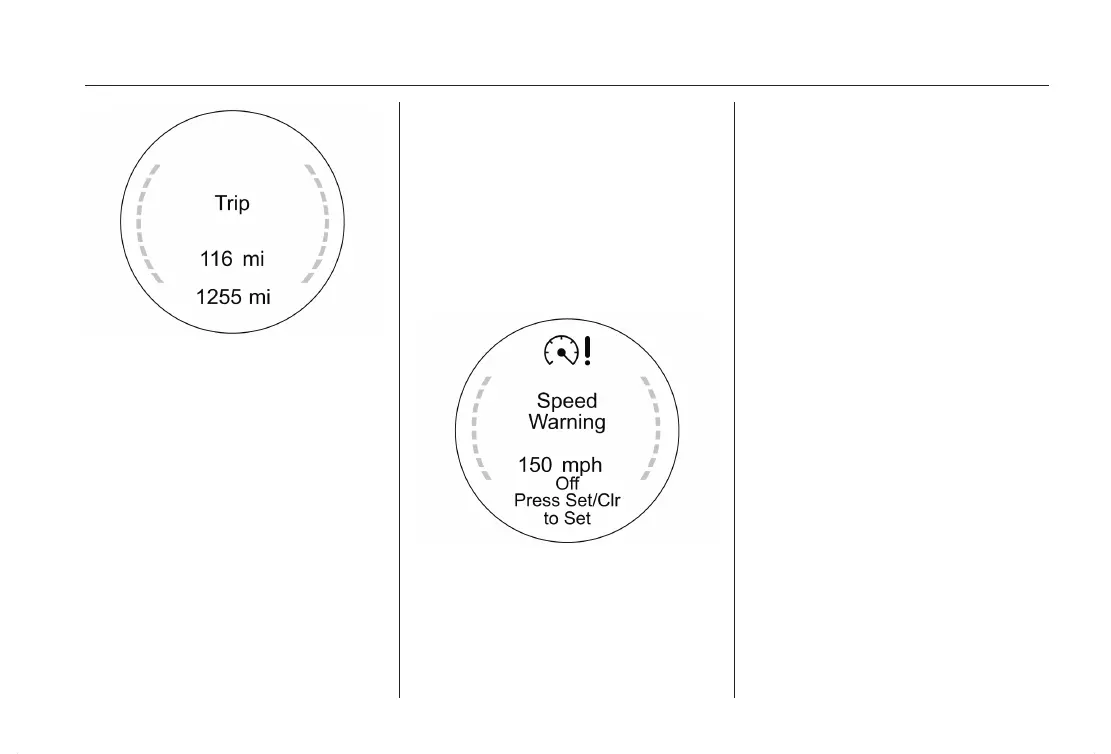
■ Trip
■ Range
■ Average Consumption /
Instantaneous consumption
■ Bio Power
■ Average Speed
■ Distance / estimated time of arrival
■ Navigation
■ "Blank page" without information,
only mileage shown
Trip Computer 3 117.
Indication can be different between
Monochrome- and Color-Display.
Vehicle Information Menu
Switching on the ignition Trip/Fuel
Information Menu will always appear
firstly.
Press the MENU button to select the
Vehicle Information Menu.
Turn the adjuster wheel to select one
of the subpages. Press the SET/
CLR button to confirm.
Follow the instructions given in the
pages.
Pages can be:
■ Unit: Displayed units can be
changed.
■ Speed Warning: If exceeding the
preset speed a warning chime will
be activated.
■ Battery Voltage: Display of battery
voltage.
■ Remaining Oil Life: Display of re‐
maining oil life duration 3 98.
■ Tyre Pressure: Displays tire pres‐
sure for all wheels 3 216.
■ Compass: Compass settings 3 94.
Indication can be different between
Monochrome- and Color-Display.
Graphic-Info-Display,
Colour-Info-Display
Depending on the vehicle configura‐
tion the vehicle has
a Graphic Information Display (GID)
or Color Information Display (CID)
with Touch-Screen functionality. The
Display is located in the instrument
panel above the faceplate of the Info‐
tainment system.












 To Next Page