110 Instruments and controls
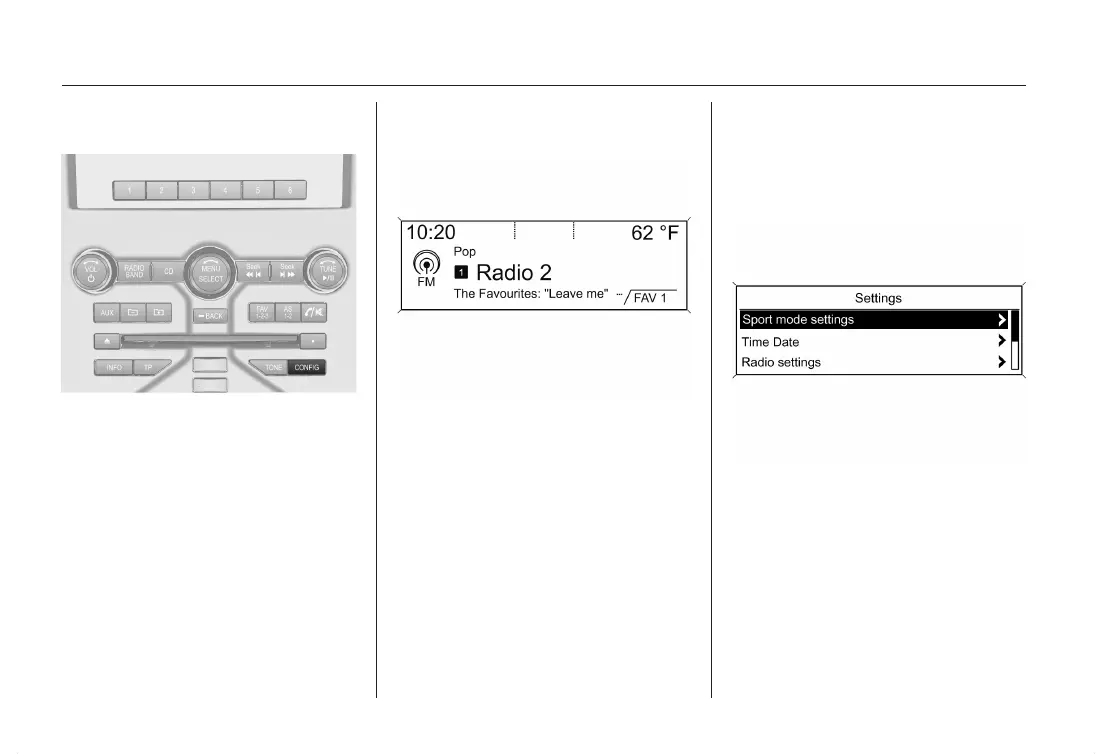
To enter the Setup-Menu for both dis‐
plays press the button CONFIG.
System Settings, Personalization
3 119.
Graphic Information Display
(GID)
Graphic Information Display (GID) in‐
dicates:
■ time 3 94
■ outside temperature 3 93
■ date 3 94
■ Infotainment system, see descrip‐
tion for Infotainment system
■ settings for vehicle personalization
3 119
Selecting menus and settings
with the multifunction knob
Menu/Select
Menus and settings are accessed via
the display.
Selections are made via:
■ menus
■ function buttons and multifunction
knob of the Infotainment system












 To Next Page