Instruments and controls 95
Color-Info-Display with Touch
Screen functionality
Set date and time
Press the CONFIG button.
To enter Time menu, press the
CONFIG button repeatedly, or press
one of the screen buttons at the top of
the screen. Follow the menu instruc‐
tions.
Vehicle Personalization 3 119.
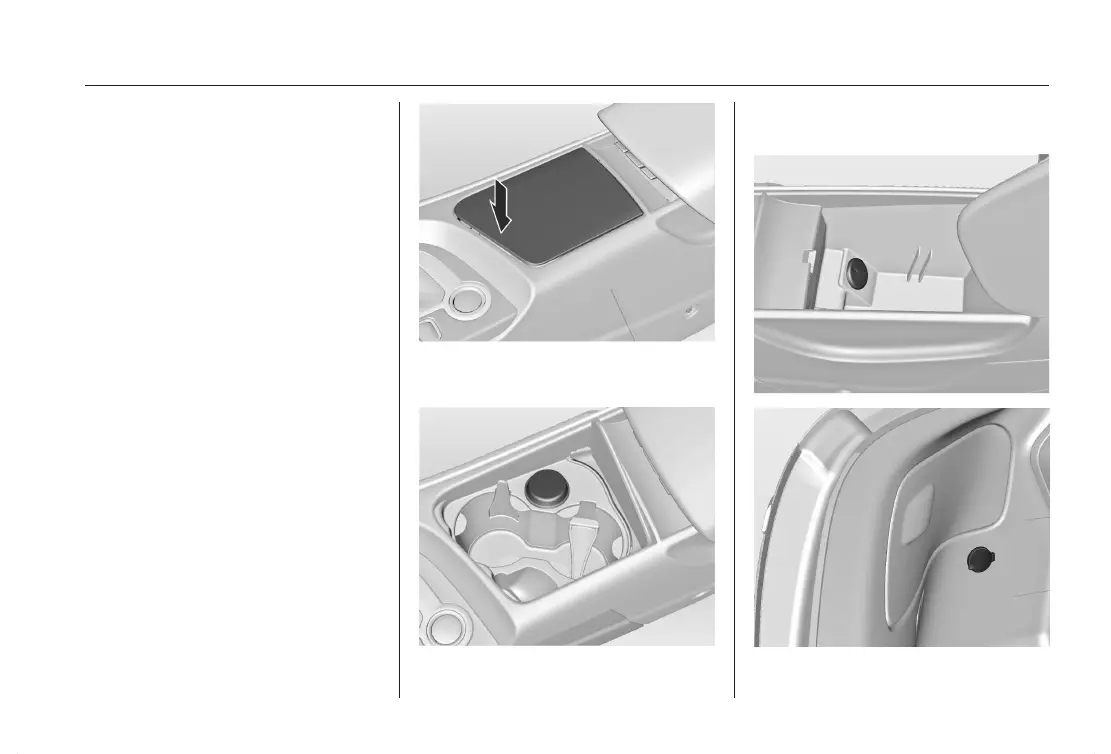
Power Outlets
12 Volts power outlets are located in
the front center console, in the stor‐
age of the armrest and in the trunk on
the left side.
To open the front center console push
on the front end of the cover.
Pull middle button to fold up the arm‐
rest.












 To Next Page