W www.saferoads.com.au
T 1800 060 672
E sales@saferoads.com.au
June 2020
Page 49
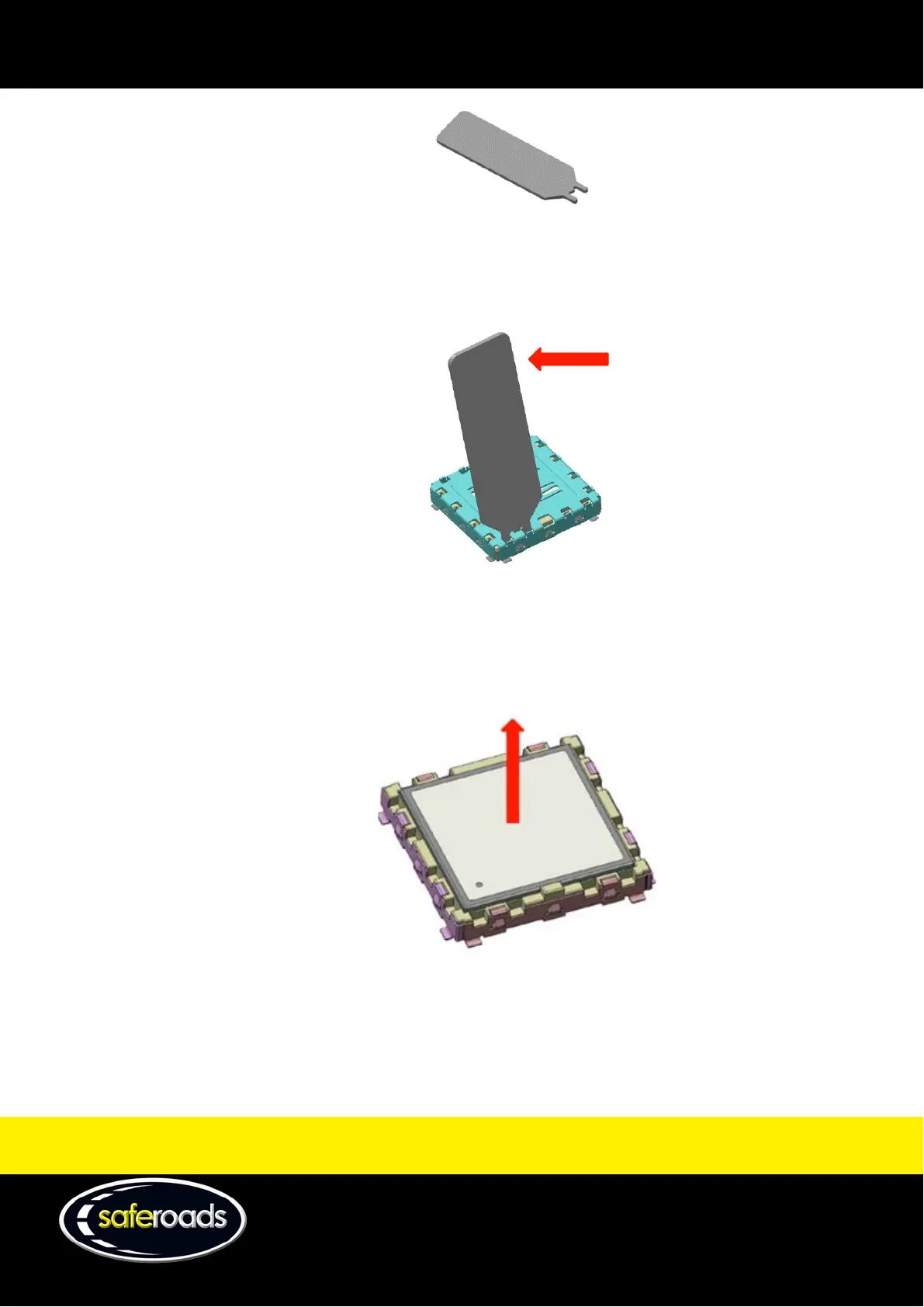
Figure 72
• To dismount the cover from the Snap-in socket, insert the Snap-in removal tool in the socket cavity,
and then smoothly push the tool to pull the cover and disengage the cover holes from the socket
bumps.
Figure 73
• Repeat the same operation on each side of the cover. Do not apply excessive force that may
damage the cover or the socket.
• Remove the modem from the socket as illustrated in Figure 74.
Figure 74
4. To insert the modem, follow this procedure:
• Check the alignment of pin 1 on both the module and the Snap-in socket.



 To Next Page