This document and the information therein are the property of Morpho, and must not be
copied or communicated to a third party without the prior written authorization of Morpho.
17
First communication with terminal (2/2)
MorphoAccess® SIGMA Lite Series –
Quick User Guide - 2015_2000005700-V4
General remark for network configuration
If terminal is connected to local network without DHCP server, be sure to configure the following
parameters :
Administration PC and all terminals shall have a different IP address (ex : 192.168.0.1; 192.168.0.2; …).
Administration PC and all terminals shall have the same network mask (ex : 255.255.255.0 if the 3 first bytes
of IP address are the same for all terminals and PC).
Step five: Administration
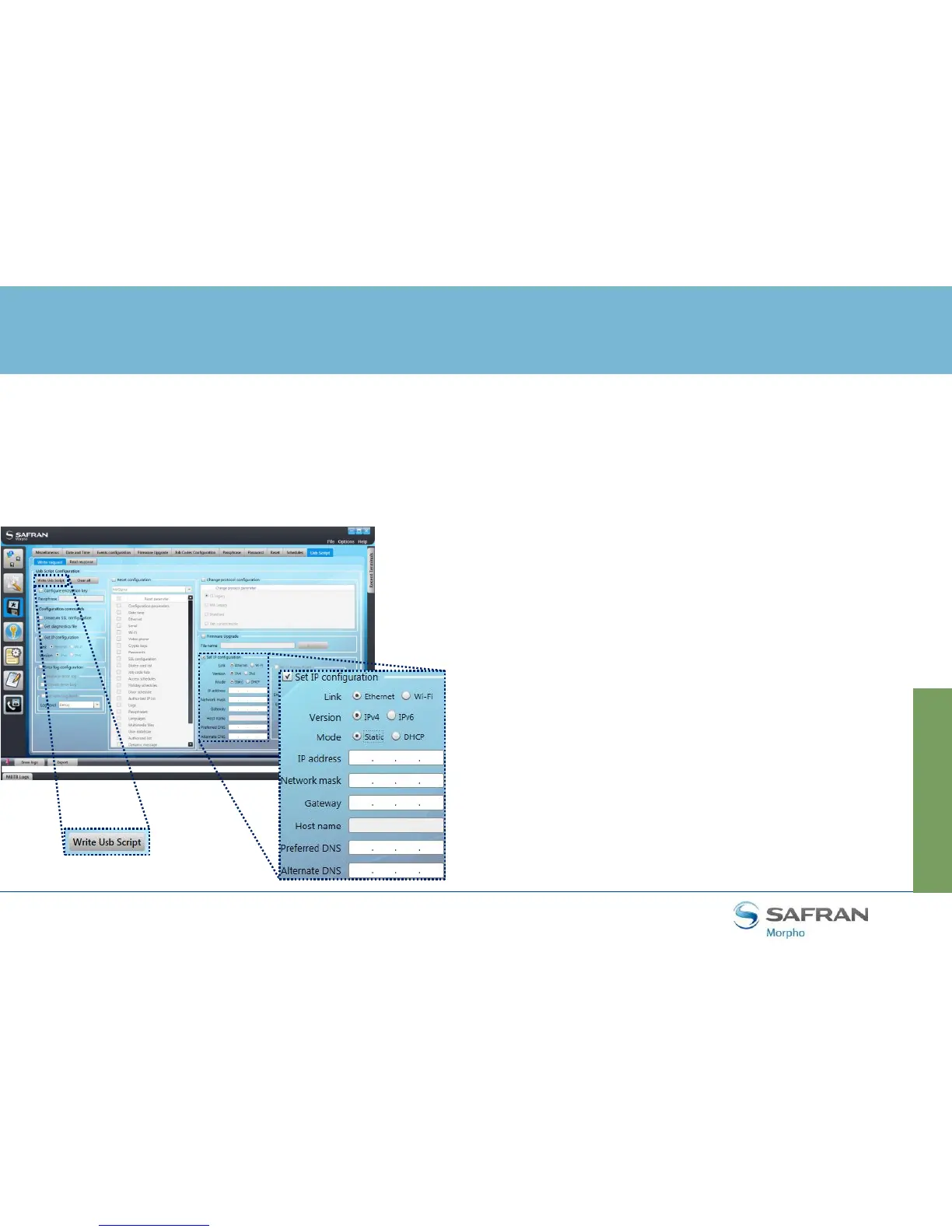
Configuration using MorphoBioToolbox
Fill IP address and Network mask following
previous paragraph recommendations.
Even if not used, fill Gateway, Preferred and
Alternate DNS values (using 1.1.1.1 for example).
Click on “Write Usb Script” button and save it on
USB key.
Plug USB key to the terminal using the adaptor.
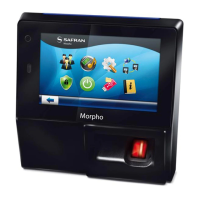
On Lite version, a high pitched beep, followed by
purple led panel blinking and high pitched beeps
and green led panel will indicate configuration is
finished
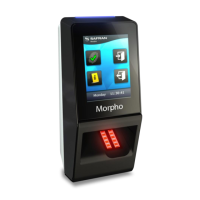
On Lite+ version, a USB plug image followed by 2
high pitched beeps will indicate configuration is
finished


 To Next Page