21
DELETING AN ENTRY FROM YOUR PHONEBOOK
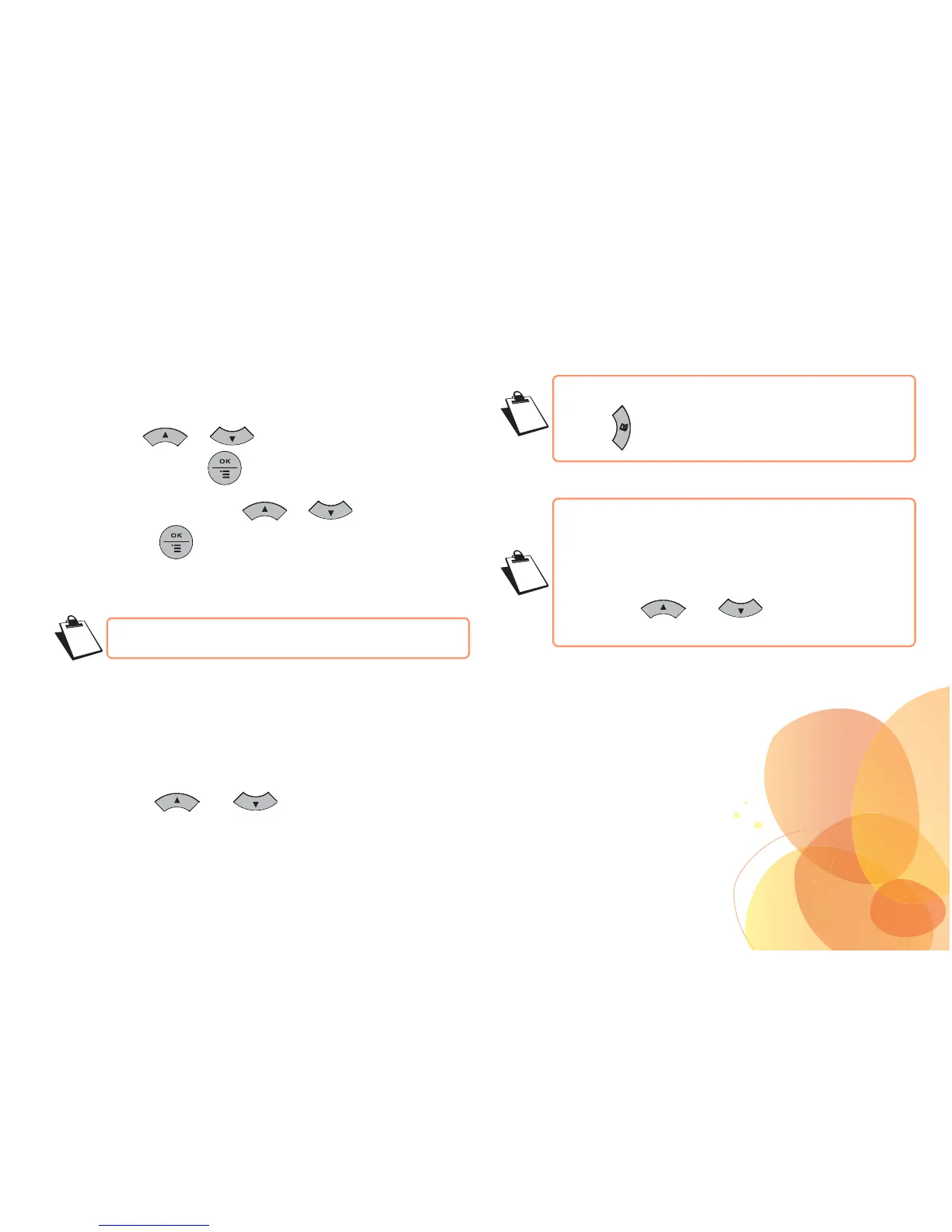
• Go to the menu Phonebook / Search.
• Press keys or to select the contact you want to
delete. Press the key .
• Select Delete? using keys or .
Press the key .
The contact is deleted.
CALLING USING THE PHONEBOOK
• Go to Phonebook / Search.
• Press keys or to select the contact you
want to call.
• Pick up the handset.
The number is automatically dialled.
To do a refined search:
- Enter the first letter of your correspondent. Wait a
second.
- The phonebook will search the list for the name that
is closest to this letter.
- Use keys and to select the exact
entry.


 To Next Page