23
ADDING A CONTACT FROM THE LIST OF CALLS
• Select the number that you want to add to the phonebook from
the list of missed/received/sent calls. Press the key .
• Select To phonebook?. Press the key .
• Enter the name using the alphanumeric keys.
Press the key .
• Press the key to confirm the number.
The name and number will then be recorded in your
phonebook.
DELETING NUMBERS FROM THE LIST OF CALLS
• Select the number that you want to delete from the list of
missed / received / sent calls. Press the key .
• Select Delete? press the key .
The number is deleted from the list of calls.
MAKING A CALL FROM THE LIST OF CALLS
• Select the number that you want to call from the list of missed /
received / sent calls.
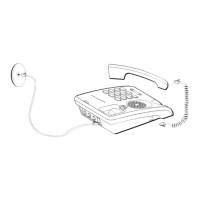
• Pick up the handset.
The number is automatically dialled.


 To Next Page