33
The phone does not ring when
a call is received.
There is no ring tone volume
(set to OFF).
Increase the ring tone volume (Refer to paragraph
"Adjusting the volume of the ring tone ", page 25).
Your correspondent cannot
hear you.
You have turned on the mute mode
(microphone off).
Check that the message "Mute" is
not displayed.
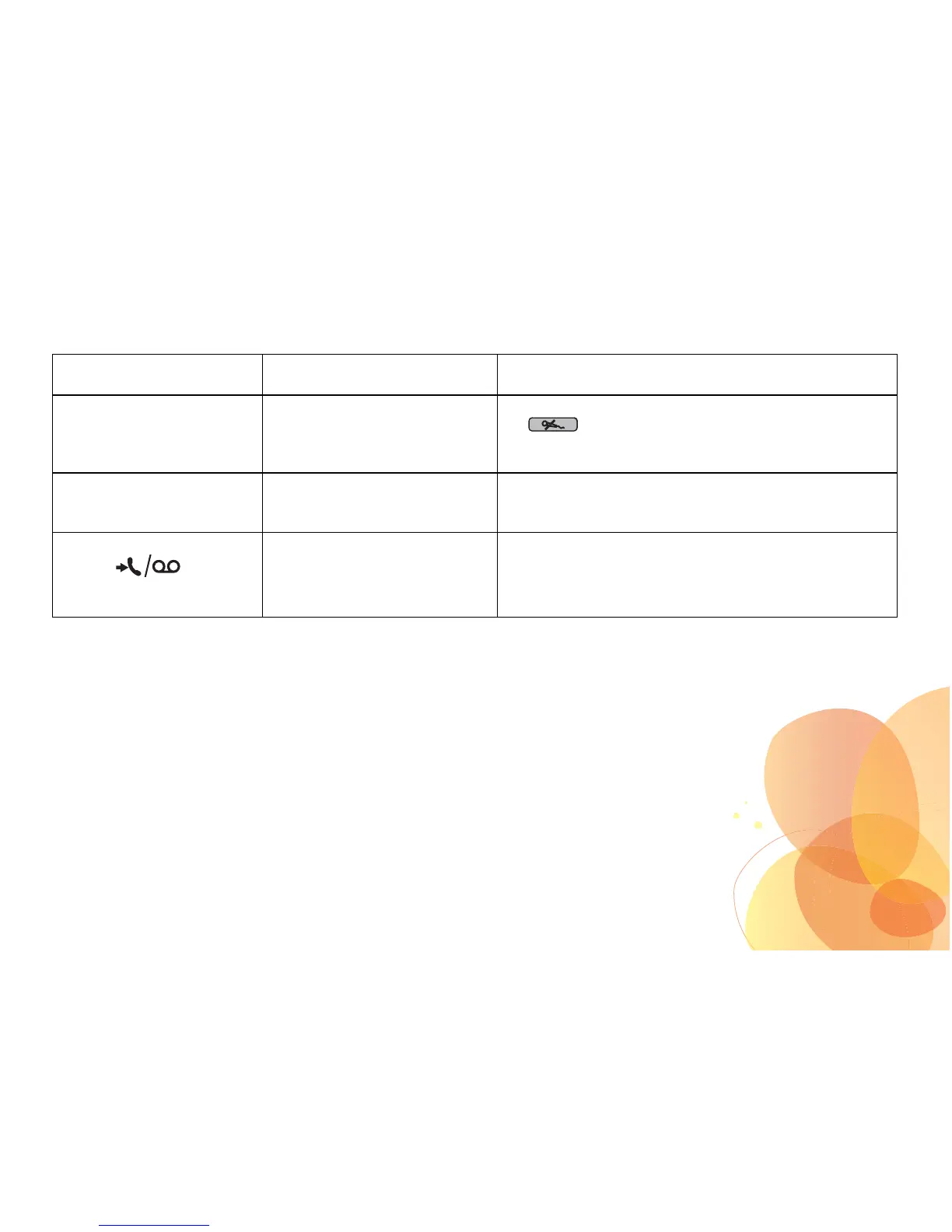
Turn off the mute mode (microphone cut off) by pressing the
key .
You obtain a “busy” dial tone
for each dialled number.
Incorrect flashing time. Set the flashing time (Refer to paragraph "Modifying the
flash duration (Key «R») ", page 26).
Contact your operator to get correct flashing time.
The new event
indicator continues
to wink after all the voice
messages have been read.
Notification that voice messages
have been read may not reach the
telephone because of a network
error.
Switch off the indicator manually using the menu "Switch off
LED" (Refer to paragraph "Switching off the LED ",
page 28).


 To Next Page