6101
6101
6101
6101 Belt
Belt
Belt
Belt Scale
Scale
Scale
Scale Integrator
Integrator
Integrator
Integrator Operating
Operating
Operating
Operating and
and
and
and Service
Service
Service
Service Manual
Manual
Manual
Manual
83
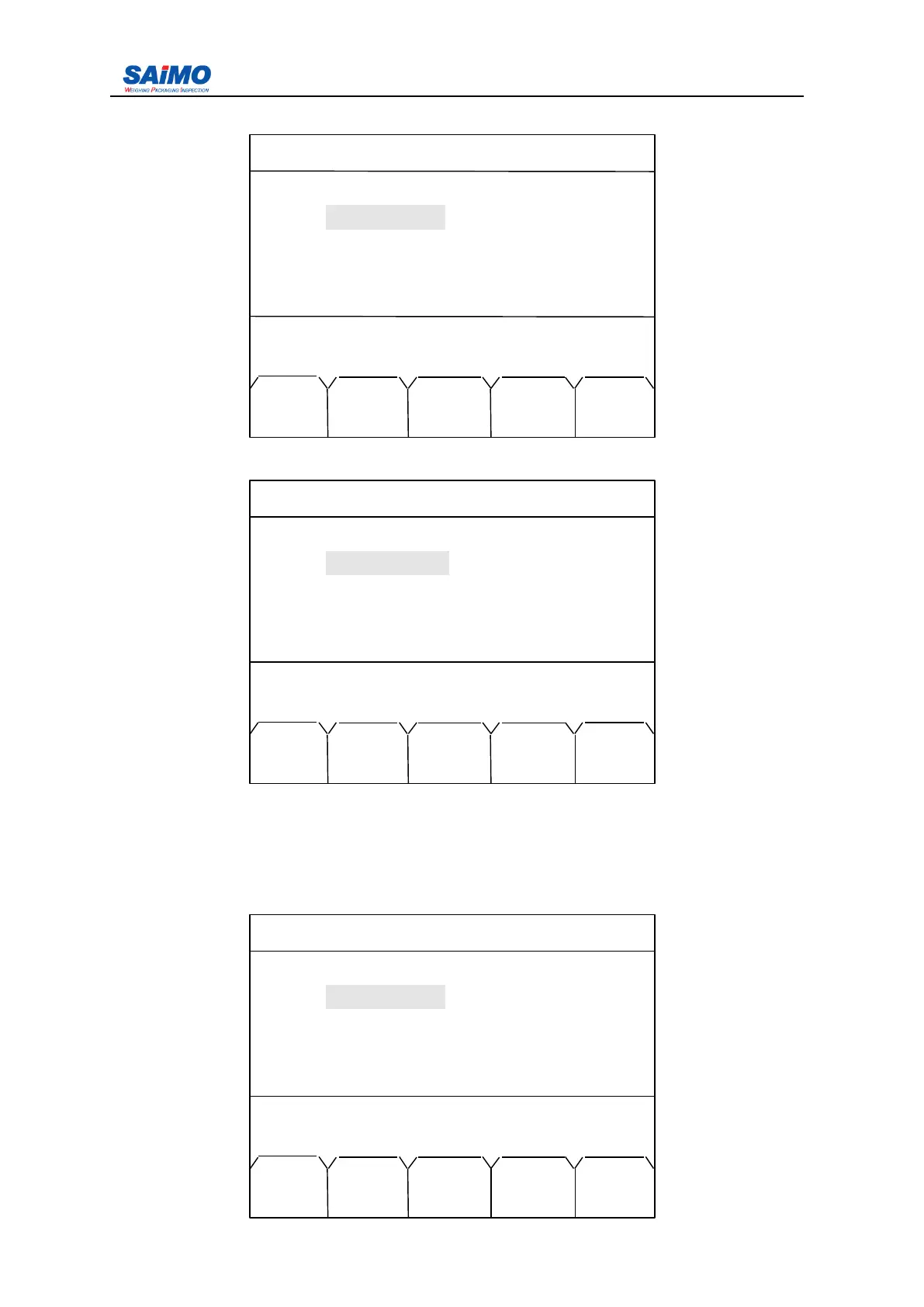
Pressing “ PAGE DOWN ” soft key enters the third page of the Password Menu.
Pressing “ PAGE DOWN ” soft key enters the fourth page of the Password Menu.
T he third and forth page of “ Password setup ” menu used for password changing and
operation. F irstly, input initial system password in the first page of “ password setup ” menu,
then input new system password and sure password, if both words are same, then press
“” Save word ” , it proves successful.
S ystem password and operate word are similar in method of password change.
2006-3-21 12:00:00 Scale#1
SYSTEM PASSWOR SETUP
System Word : [ ]
Sure Word
:
[ ]
Press ↑↓ key, then press ENT!
MAIN SAVE PAGE PAGE
MENU WORD DOWN UP
2006-3-21 12:00:00 Scale#1
OPERAT PASSWOR SETUP
Operate Word : [ ]
Sure Word : [ ]
Press ↑↓ key, then press ENT!
MAIN SAVE PAGE
MENU WORD UP
2006-3-21 12:00:00 Scale#1
SYSTEM PASSWOR SETUP
System Word : [ *** ]
Sure Word : [ *** ]
System password save!
MAIN SAVE PAGE PAGE
MENU WORD DOWN UP



 To Next Page