6105
6105
6105
6105 Belt
Belt
Belt
Belt Feeder
Feeder
Feeder
Feeder integrator
integrator
integrator
integrator ---
---
---
--- User
User
User
User ’
’
’
’ s
s
s
s Guide
Guide
Guide
Guide ---
---
---
---
15
5.3.1.2
5.3.1.2
5.3.1.2
5.3.1.2 Initial
Initial
Initial
Initial Setup
Setup
Setup
Setup 2
2
2
2
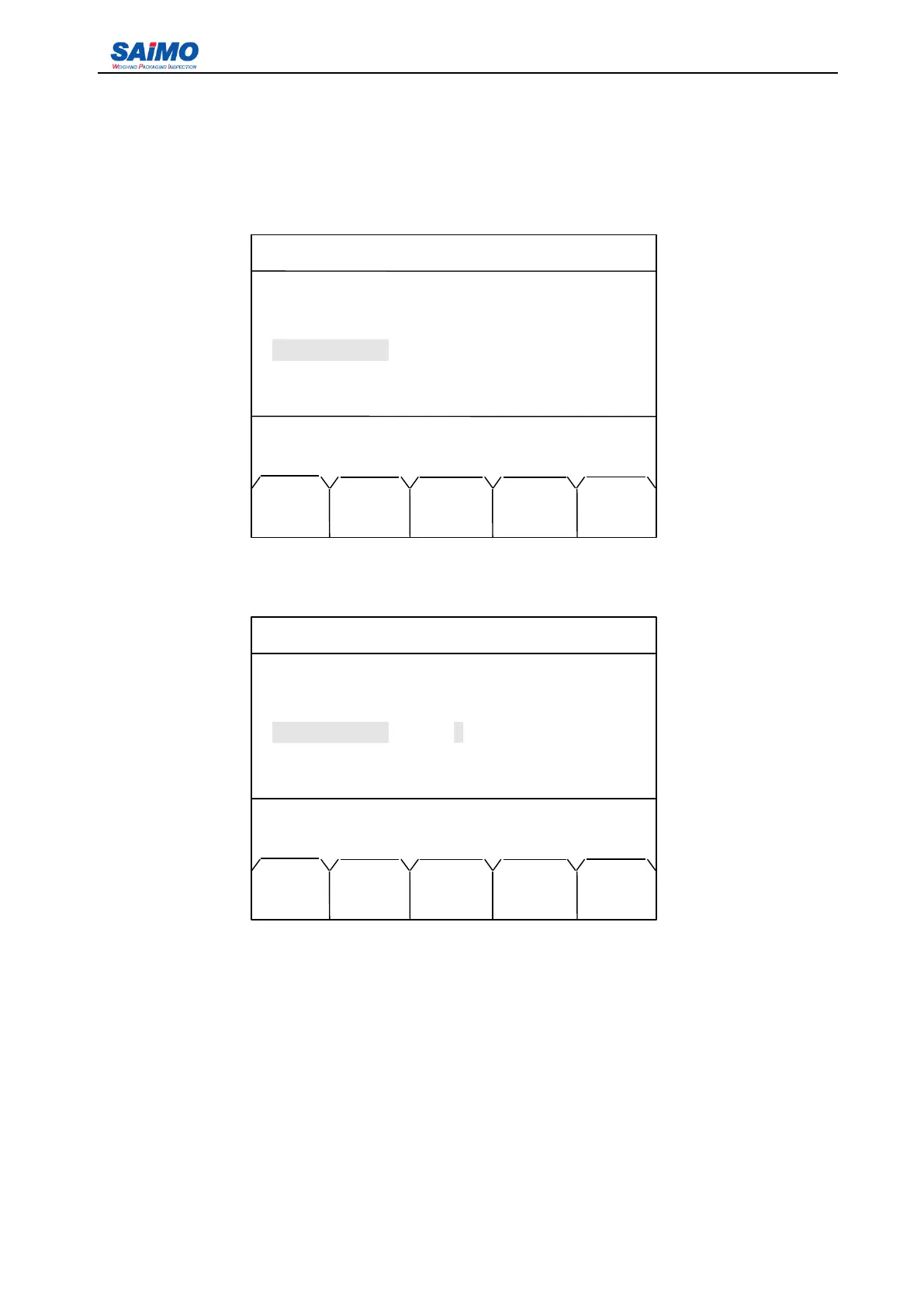
Press “ PAGE DOWN ” soft key from the first page of the Initial Setup 1 Menu, the first page of the Initial
Setup 2 Menu is shown as follows:
Use Up/Down scroll keys to move the cursor to the desired variable, and press ENT to enter the
following screen.
If a digital value is entered , and press “ SURE ” soft key, the screen return to the first page of Initial Setup
2 menu.
You
can use the same method as described in section 5.3.1.1 to setup other parameters listed
in the menu.
Load Cell Unit: kg
Scale Capacity: Min:1 Max:200000
Scale Division: 0.1 、 0.2 、 0.5 、 1 、 2 、 5 、 10 、 20 、 50 、 0.01 、 0.02 、 0.05 、 0.001 、 0.002
、
0.005
Scale Code: Min:0 Max:500
2006-3-21 12:00:00 Scale #1
INITIAL SETUP 2
Loadcell Units: [ kg ]
Scale Capacity: 500
Scale Divison: [ 1 ]
Scale Code: [ 1 ]
Press ENTR to select, then press SURE!
MAIN SURE PAGE PAGE
MENU DOWN UP
2006-3-21 12:00:00 Scale #1
INITIAL SETUP 2
Loadcell Units: [ kg ]
Scale Capacity: [ 500 kg/h ]
Scale Division: [ 1 ]
Scale Code: [ 1 ]
Press ↑ or ↓ key, then press ENT!
MAIN CODE PAGE PAGE
MENU
DATA
DOWN UP



 To Next Page