6105
6105
6105
6105 Belt
Belt
Belt
Belt Feeder
Feeder
Feeder
Feeder integrator
integrator
integrator
integrator ---
---
---
--- User
User
User
User ’
’
’
’ s
s
s
s Guide
Guide
Guide
Guide ---
---
---
---
45
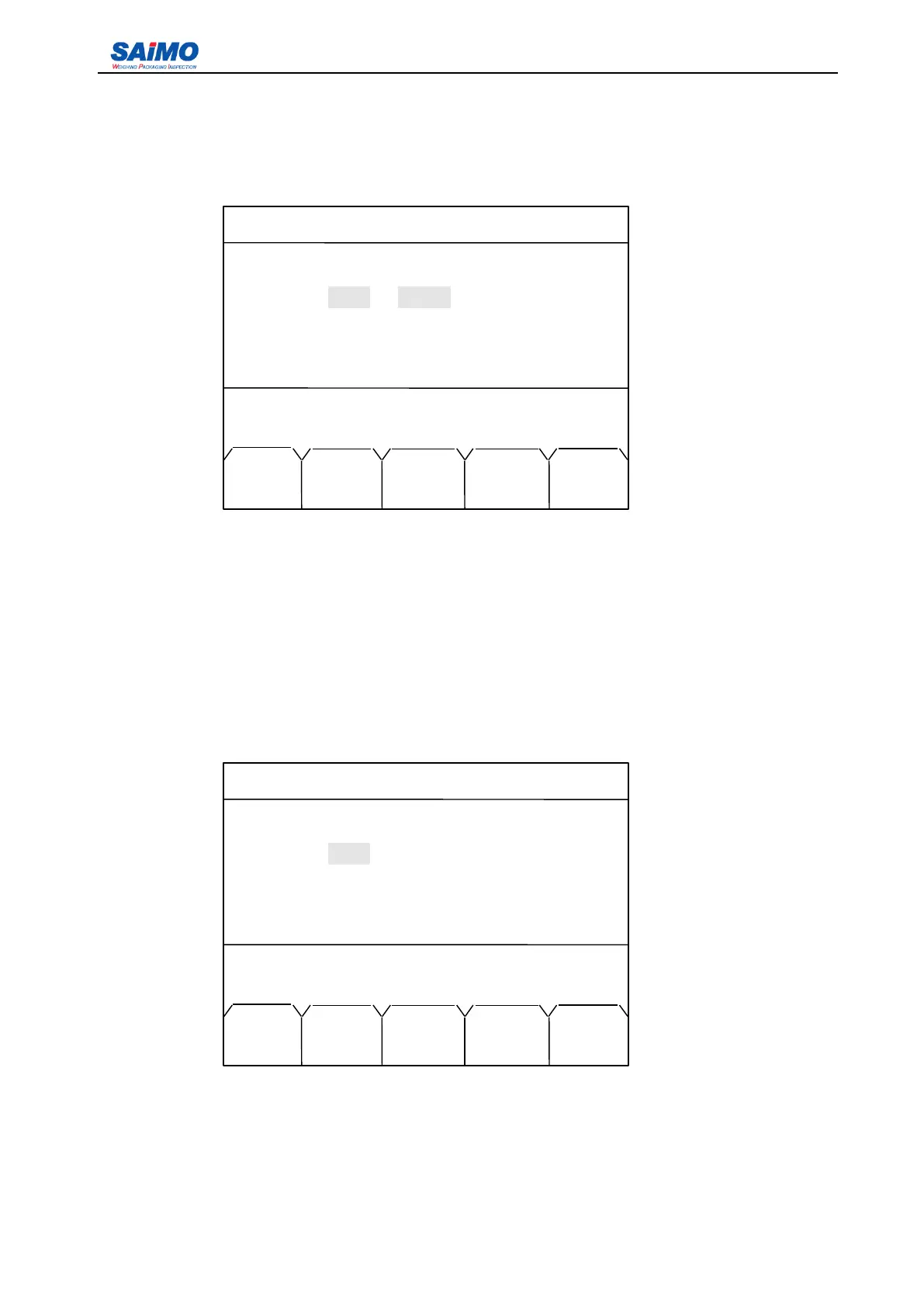
In the first page of Simulated Output #1 menu, move the cursor to “ Type ” with Up/Down scroll keys and
press ENT key, the following screen appears:
When press “ ENTR ” soft key, the output type value changes among “ No define ” , “ Rate ” , “ Load ” and
“ Speed ” . When the desired option is displayed, press “ SURE ” soft key to input the value. At this time the
screen returns to the first page of Simulated Output #1.
You
can use the same method to setup other
units listed in the menu. The Range has two options: 4-20mA and 0-20mA.
From the first page of Simulated Output #1, press “ PAGE DOWN ” soft key to enter the seventh page of
the I/O Definition Menu.
2006-3-21 12:00:00 Scale#1
SIMULATED OUTPUT #1
Type: Rate
Range: [ 4-20 mA ]
Delay: [ 0 ]
Filter: [ 0 ]
Press ↑ or ↓ key, then present !
MAIN ENTR SURE PAGE PAGE
MENU DOWN UP
2006-3-21 12:00:00 Scale#1
SIMULATED OUTPUT #2
Type: [Rate ]
Range: [ 4-20 mA ]
Delay: [ 0 ]
Filter: [ 0 ]
Press
↑
or
↓
key, then press ENT!
MAIN ENTR SURE PAGE PAGE
MENU DOWN UP



 To Next Page