6105
6105
6105
6105 Belt
Belt
Belt
Belt Feeder
Feeder
Feeder
Feeder integrator
integrator
integrator
integrator ---
---
---
--- User
User
User
User ’
’
’
’ s
s
s
s Guide
Guide
Guide
Guide ---
---
---
---
23
3.3.2
3.3.2
3.3.2
3.3.2 Calibration
Calibration
Calibration
Calibration
Pressing “ 2 ” from Main Menu enters the Calibration Menu.
Move the cursor to the desired item with Up/Down scroll keys and press ENT key to select it.
5.3.2.1
5.3.2.1
5.3.2.1
5.3.2.1 Zero
Zero
Zero
Zero Calibration
Calibration
Calibration
Calibration
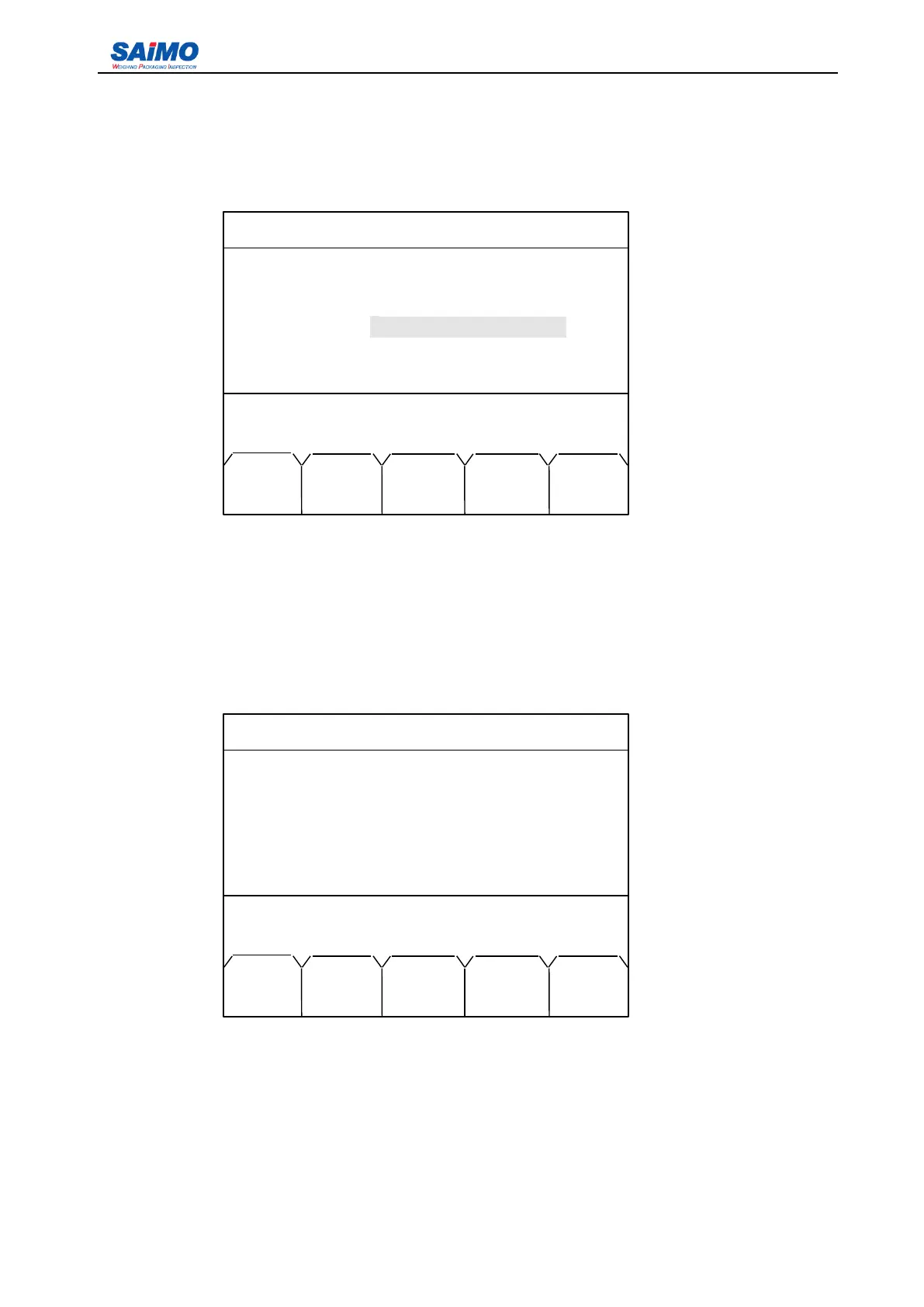
Zero Calibration menu is accessible by selecting “ 2.1 ZERO CALIBRATION ” from the Calibration Menu
as shown in section 5.3.2.
2006-3-21 12:00:00 Scale #1
8 000000 t
888 t/h
1m/s
Zero calibration mode!
AUTO EXIT MANL
ZERO ZERO ZERO
2006-3-21 12:00:00 Scale #1
CALIBRATION
2.1 ZERO CALIBRATION
2.2 SPAN CALIBRATION
2.3 MATL CALIBRATION
Press ↑ or ↓ key, then press ENT!
MAIN
MENU



 To Next Page