6105
6105
6105
6105 Belt
Belt
Belt
Belt Feeder
Feeder
Feeder
Feeder integrator
integrator
integrator
integrator ---
---
---
--- User
User
User
User ’
’
’
’ s
s
s
s Guide
Guide
Guide
Guide ---
---
---
---
22
When the test duration acquisition is finished, the fourth screen described in section 5.3.1.7 appears.
5.3.1.8
5.3.1.8
5.3.1.8
5.3.1.8 Initial
Initial
Initial
Initial Calibration
Calibration
Calibration
Calibration
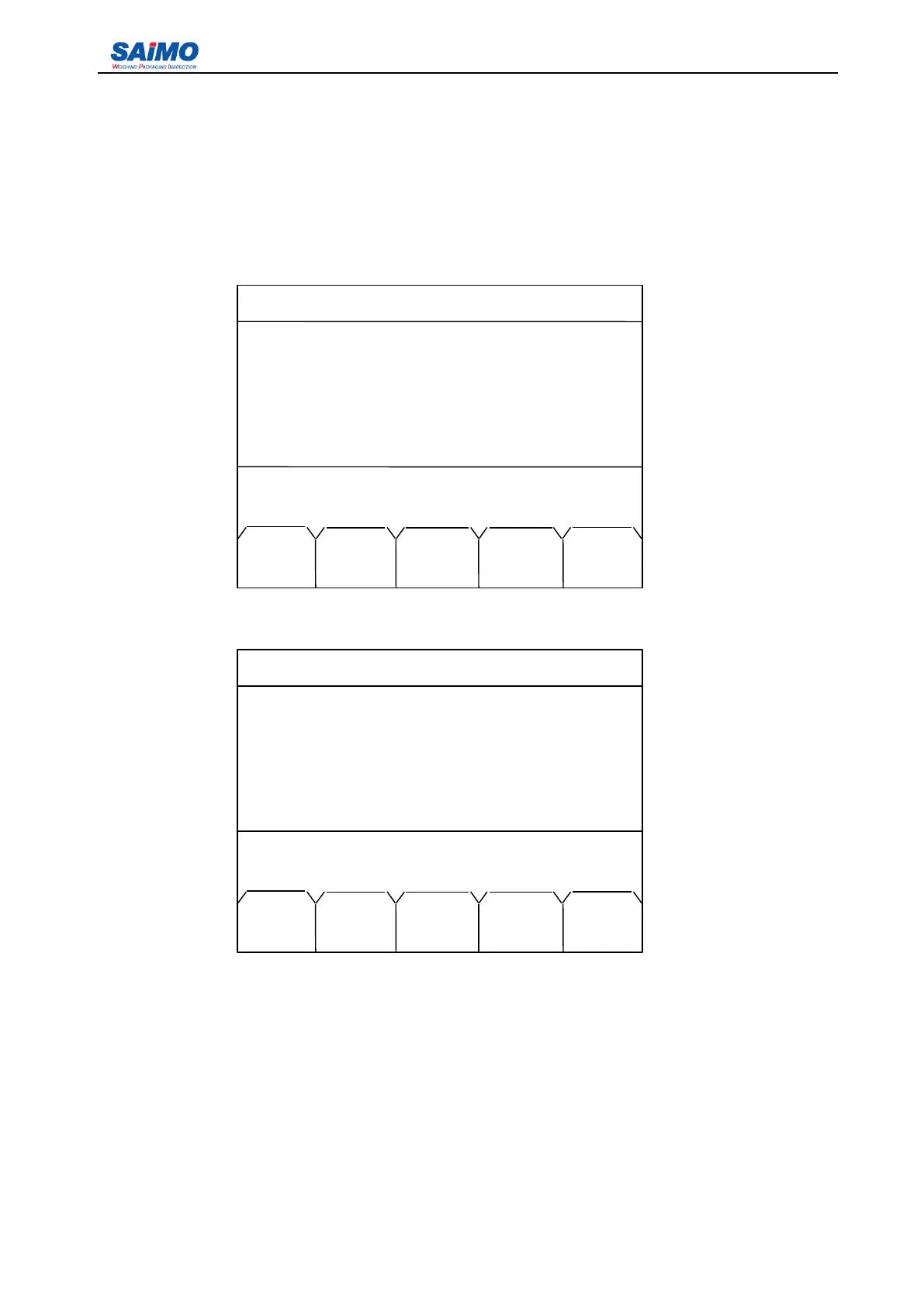
Press “ PAGE DOWN ” soft key from the first screen mentioned in section 5.3.1.7, the following menu
displays:
When the calibration is finished the following screen will appear:
When the calibration is finished, the screen returns to Run Menu as described in section 5.2..
2006-3-21 12:00:00 Scale #1
8 000000 t
888 t/h
1m/s
Auto span station!
[ 100 ]
MAIN
MENU
2006-3-21 12:00:00 Scale #1
8 000000 t
888 t/h
1m/s
Scale calibrated, press RUN to start!
MAIN
MENU



 To Next Page