6105
6105
6105
6105 Belt
Belt
Belt
Belt Feeder
Feeder
Feeder
Feeder integrator
integrator
integrator
integrator ---
---
---
--- User
User
User
User ’
’
’
’ s
s
s
s Guide
Guide
Guide
Guide ---
---
---
---
56
3.3.9
3.3.9
3.3.9
3.3.9 Diagnostics
Diagnostics
Diagnostics
Diagnostics Menu
Menu
Menu
Menu
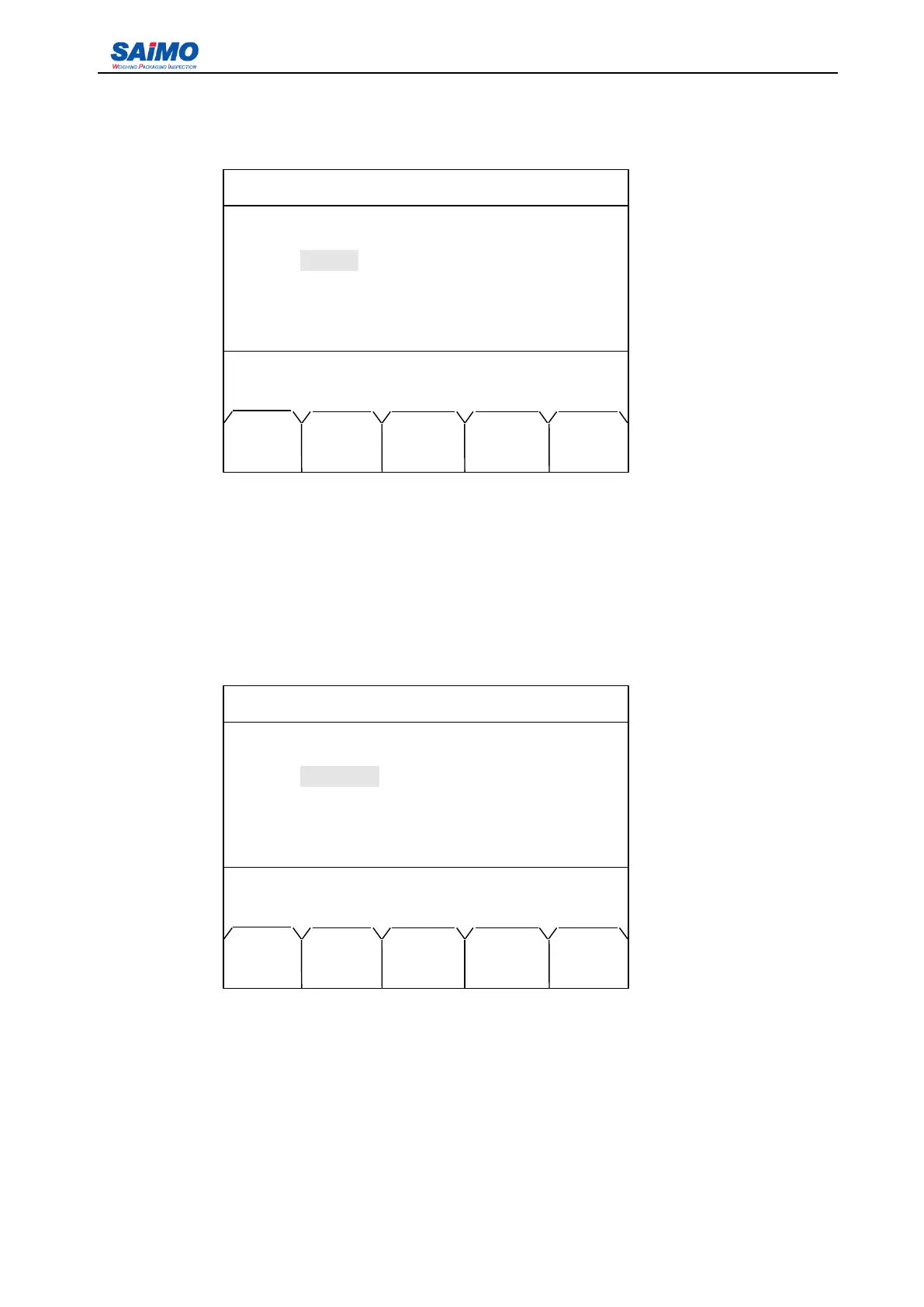
Pressing “ 9 ” from the second page of Main Menu enters the first page of the Diagnostics Menu.
P ress the U p/ D own keys to move the cursor to the item that to be set, followed by [ENT] key. Use
numeric keys to input the settings and press [ENT] to confirm.
3.3.10
3.3.10
3.3.10
3.3.10 Statistics
Statistics
Statistics
Statistics Menu
Menu
Menu
Menu
Pressing “ 0 ” from the second page of Main Menu enters the first page of the Statistics Menu.
This screen defines the working system for the first shift (Class indicated in the menus). P ress the
U p/ D own keys to move the cursor to the item that to be set, followed by [ENT] key. Use numeric keys to
input the settings and press [ENT] to confirm.
2006-3-21 12:00:00 Scale #1
DIAGNOSTICS
Weight: [ 1000000 ]
Speed: [ 200 ]
Pulses: [10000]
Press
↑
or
↓
key, then press ENT!
MAIN
MENU
2006-3-21 12:00:00 Scale #1
CLASS 1 SETUP
Start hour: [ 0 ]
Start min: [ 0 ]
End hour: [ 5 ]
End min: [ 59 ]
Press ↑ or ↓ key, then press ENT!
MAIN PAGE
MENU DOWN



 To Next Page