6105
6105
6105
6105 Belt
Belt
Belt
Belt Feeder
Feeder
Feeder
Feeder integrator
integrator
integrator
integrator ---
---
---
--- User
User
User
User ’
’
’
’ s
s
s
s Guide
Guide
Guide
Guide ---
---
---
---
14
3.3.1
3.3.1
3.3.1
3.3.1 Initial
Initial
Initial
Initial Setup
Setup
Setup
Setup Menu
Menu
Menu
Menu
5.3.1.1
5.3.1.1
5.3.1.1
5.3.1.1 Initial
Initial
Initial
Initial Setup
Setup
Setup
Setup 1
1
1
1
Press “ 1 ” from the first page of the Main Menu, the screen shows:
Pressing “ MAIN MENU ” soft key can return to the Main Menu.
Move the cursor to “ MEASURE UNIT ” with the up/down scroll keys; then press ENT , the following
screen is displayed.
In this menu, if Up/Down scroll keys are pressed, the default unit “ Metric ” is accepted and the cursor
moves to other variables.
Otherwise, if “ ENTR ” soft key is pressed, the measure unit value changes among “ English ” , “ Metric ”
and “ Mixed ” . When the desired option is displayed, press “ SURE ” soft key to input the value. At this
time the screen returns to the first page of Initial Setup 1 menu.
You
can use the same method to setup other units listed in the menu.
Measure Units: English, Metric, Mixed
Total Units: t, kg
Length Units: Meters
Flow Rate Units: t/h, kg/h, t/m, kg/m
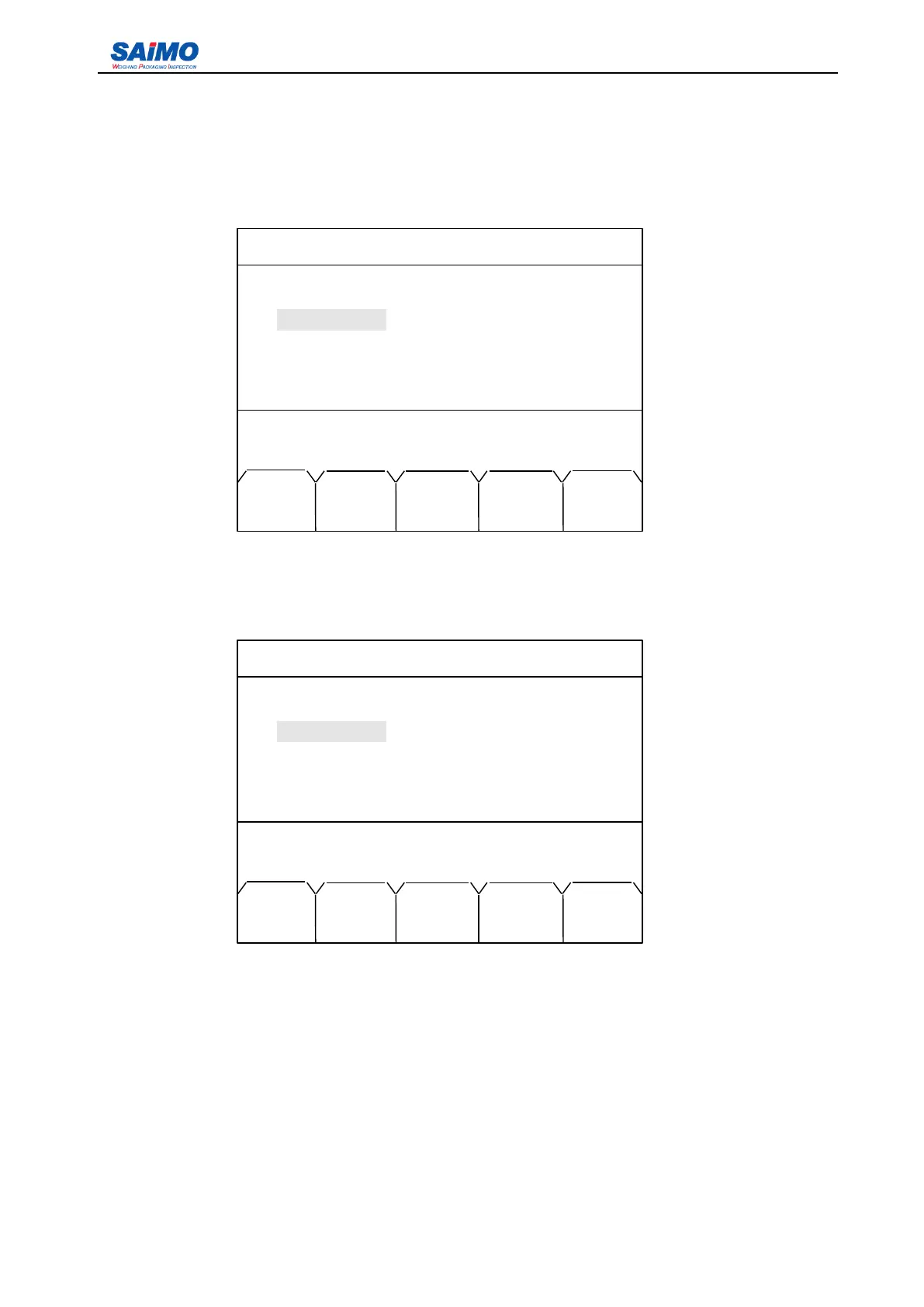
2006-3-21 12:00:00 Scale #1
INITIAL SETUP 1
Measure Units : [ METRIC ]
Total Units: [ t ]
Length Units: [ METERS ]
Rate Units: [ t/h]
Press ENTR to select, then press ENT!
MAIN PAGE
MENU DOWN
2006-3-21 12:00:00 Scale #1
INITIAL SETUP 1
Measure Units : METRIC
Total Units: [ t ]
Length Units: [ METERS ]
Rate Units: [ t/h]
Press ENTR to select, then press SURE!
MAIN ENTR SURE PAGE
MENU DOWN



 To Next Page