6105
6105
6105
6105 Belt
Belt
Belt
Belt Feeder
Feeder
Feeder
Feeder integrator
integrator
integrator
integrator ---
---
---
--- User
User
User
User ’
’
’
’ s
s
s
s Guide
Guide
Guide
Guide ---
---
---
---
13
3.3
Main
Main
Main
Main Menu
Menu
Menu
Menu
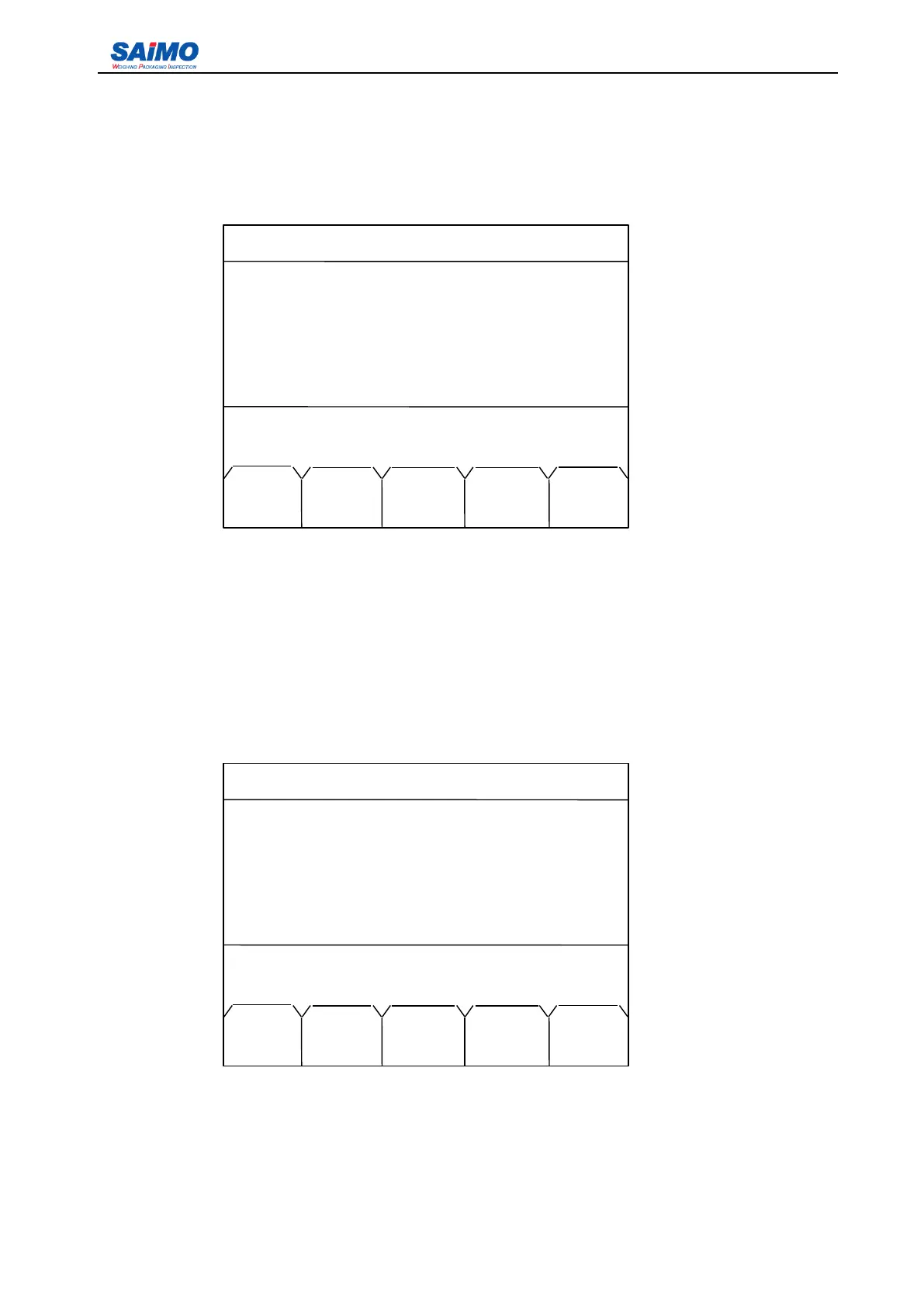
Press ” MENU ” button on the front panel, the following screen is accessible.
Press a numeric key (1-5) to select the submenu. Press “ RUN ” to return to Run Menu. Use the USA
CHR soft key to switch between Chinese and English.
Press “ PAGE DOWN ” soft key, the second page of the Main Menu is displayed as follows:
Press numeric keys (6-10) to select the submenu. Press “ PREV RUN ” to return to Run Menu. Press
“ PAGE UP ” soft key to return to the first page of the Main Menu.
2006-3-21 12:00:00 Scale#1
1. INITIAL SETUP
2. CALIBRATION
3. SYSTEM
DATA
4. I/O DEFINITION
5. COMMUNICATION
Press a numeric key to select!
RUN PAGE USA
DOWN CHR
2006-3-21 12:00:00 Scale #1
6. ALARM SETUP
7. LOADOUT SETUP
8. PASSWORD SETUP
9. DIAGNOSTICS
10. STATISTICS
Press a numeric key to select!
PREV PAGE
RUN UP



 To Next Page