6105
6105
6105
6105 Belt
Belt
Belt
Belt Feeder
Feeder
Feeder
Feeder integrator
integrator
integrator
integrator ---
---
---
--- User
User
User
User ’
’
’
’ s
s
s
s Guide
Guide
Guide
Guide ---
---
---
---
50
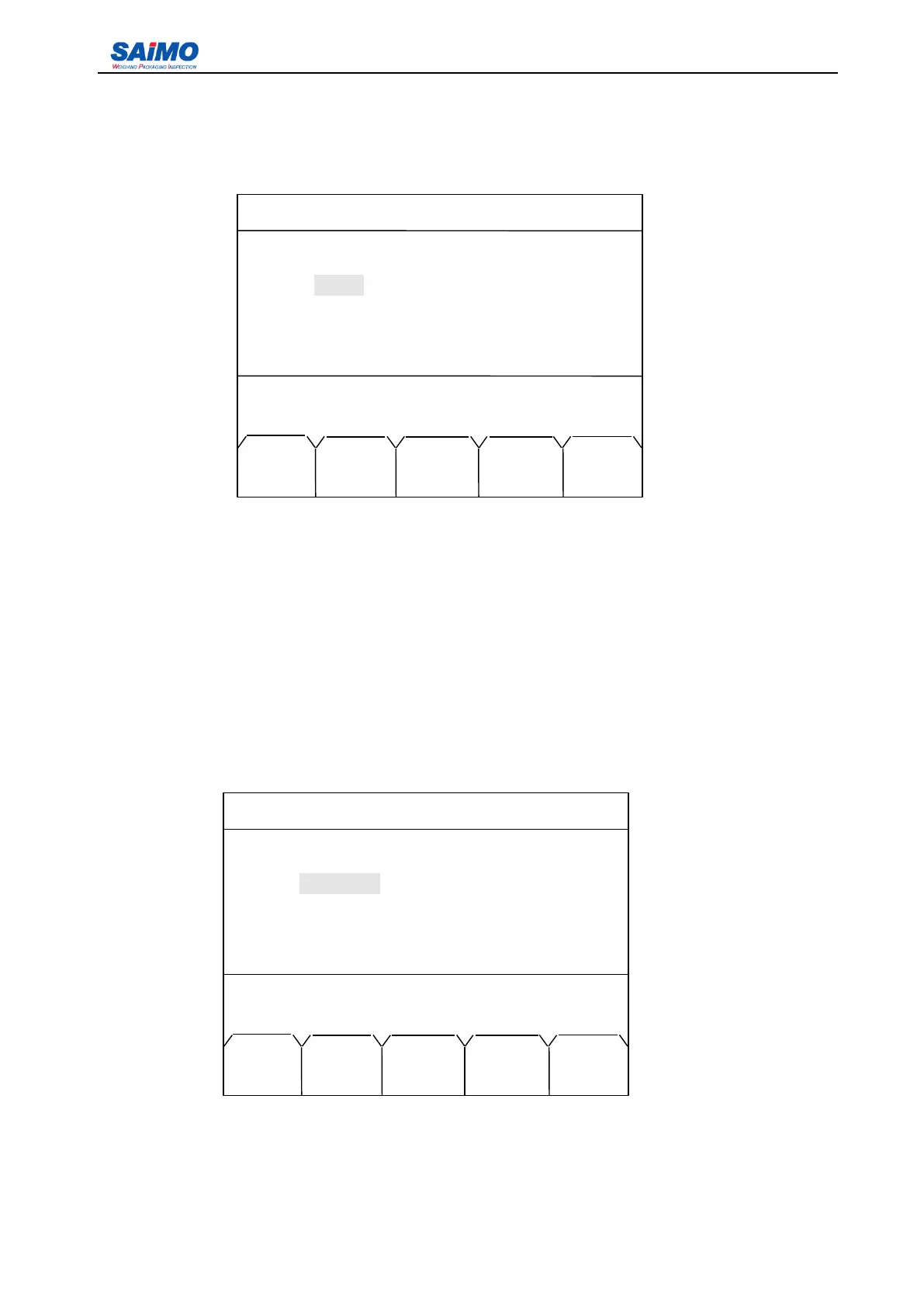
Pressing “ PAGE DOWN ” soft key enters the fourth page of the Communication Menu.
Function has three options: [No Define], [Modbus] and [Print]. Baud Rate can be set to one of the
following figures: 4800, 9600, 19200, 38400 or 115200. Word Length can be set to [7 bits] or [8 bits].
Stop Bit can be set to [1 bit] or [2 bits]. Parity is selectable among [None], [Even] and [Odd]. Address
can be set between 1 and 255.
3.3.6
3.3.6
3.3.6
3.3.6 Alarm
Alarm
Alarm
Alarm Setup
Setup
Setup
Setup Menu
Menu
Menu
Menu
Pressing “ 6 ” from the second page of Main Menu enters the first page of the Alarm Setup Menu.
The options of output port function include: “ High Rate ” , “ Low Rate ” , “ High Load ” , “ Low Load ” , “ High
Speed ” , “ Low Speed ” , “ Belt Slipage ” .
2006-3-21 12:00:00 Scale #1
COMMPORT 2 SETUP
Parity: [ NONE ]
Press ↑ or ↓ key, then press ENT!
MAIN PAGE
MENU UP
2006-3-21 12:00:00 Scale#1
ALARM SETUP 1
Alarm 1: [ NO DEFINE ]
Alarm 2: [ NO DEFINE ]
Alarm 3: [ NO DEFINE ]
Alarm 4: [ NO DEFINE ]
Press ↑ or ↓ key, then press ENT!
MAIN PAGE
MENU DOWN



 To Next Page