6105
6105
6105
6105 Belt
Belt
Belt
Belt Feeder
Feeder
Feeder
Feeder integrator
integrator
integrator
integrator ---
---
---
--- User
User
User
User ’
’
’
’ s
s
s
s Guide
Guide
Guide
Guide ---
---
---
---
29
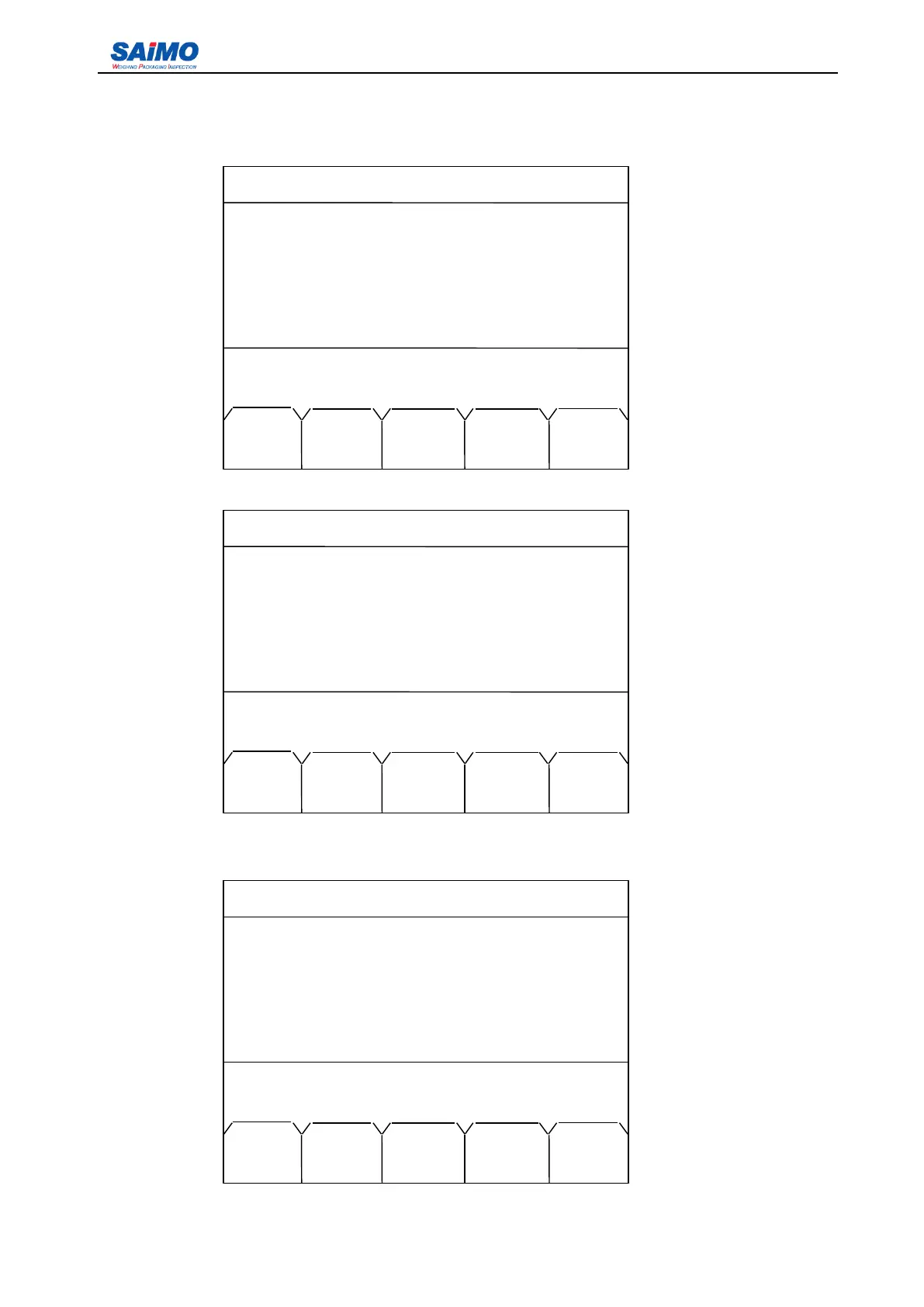
When material calibration is finished, input the standard weight value and press “ SURE ” soft key to
validate it and enter the following screen.
Pressing “ MATL FACR ” soft key enters the following screen.
Press numeric keys to enter the new material factor and press “ SURE FACR ” to validate it. Pressing
“ EXIT FACR ” soft key enters the following screen.
2006-3-21 12:00:00 Scale #1
8 000000 t
Old span: [ 888 ]
New span: [ 1000 ]
Material calibrationing! Please wait!
Span err: [ -11.2% ]
BGIN MATL SURE
CAL FACR SPAN
2006-3-21 12:00:00 Scale #1
8 000000 t
Old factor: [ 0% ]
New factor: [1.0 ]
Sure new factor!
BGIN EXIT SURE
CAL FACR FACR
2006-3-21 12:00:00 Scale #1
8 000000 t
Old span: [ 888 ]
New span: [1000]
Materiel calibration complete!
Span err: [ -11.2% ]
BGIN MATL SURE
CAL FACR SPAN



 To Next Page