-22-
To exit the Sensor calibration mode at any time, press the
SNOOZE/LIGHT button on the display console. If no operation
is performed, the calibration mode will timeout in 30 seconds.
10. Other Features of Display Console
10.1 Weather Forecasting
Note: The weather forecast or pressure tendency is based
on the rate of change of barometric pressure. In general, when
the pressure increases, the weather improves (sunny to partly
cloudy) and when the pressure decreases, the weather
degrades (cloudy to rain).
The weather forecast is an estimation or generalization of
weather changes in the next 24 to 48 hours, and varies from
location to location. The tendency is simply a tool for projecting
weather changing conditions and is never to be relied upon as
an accurate method to predict the weather.
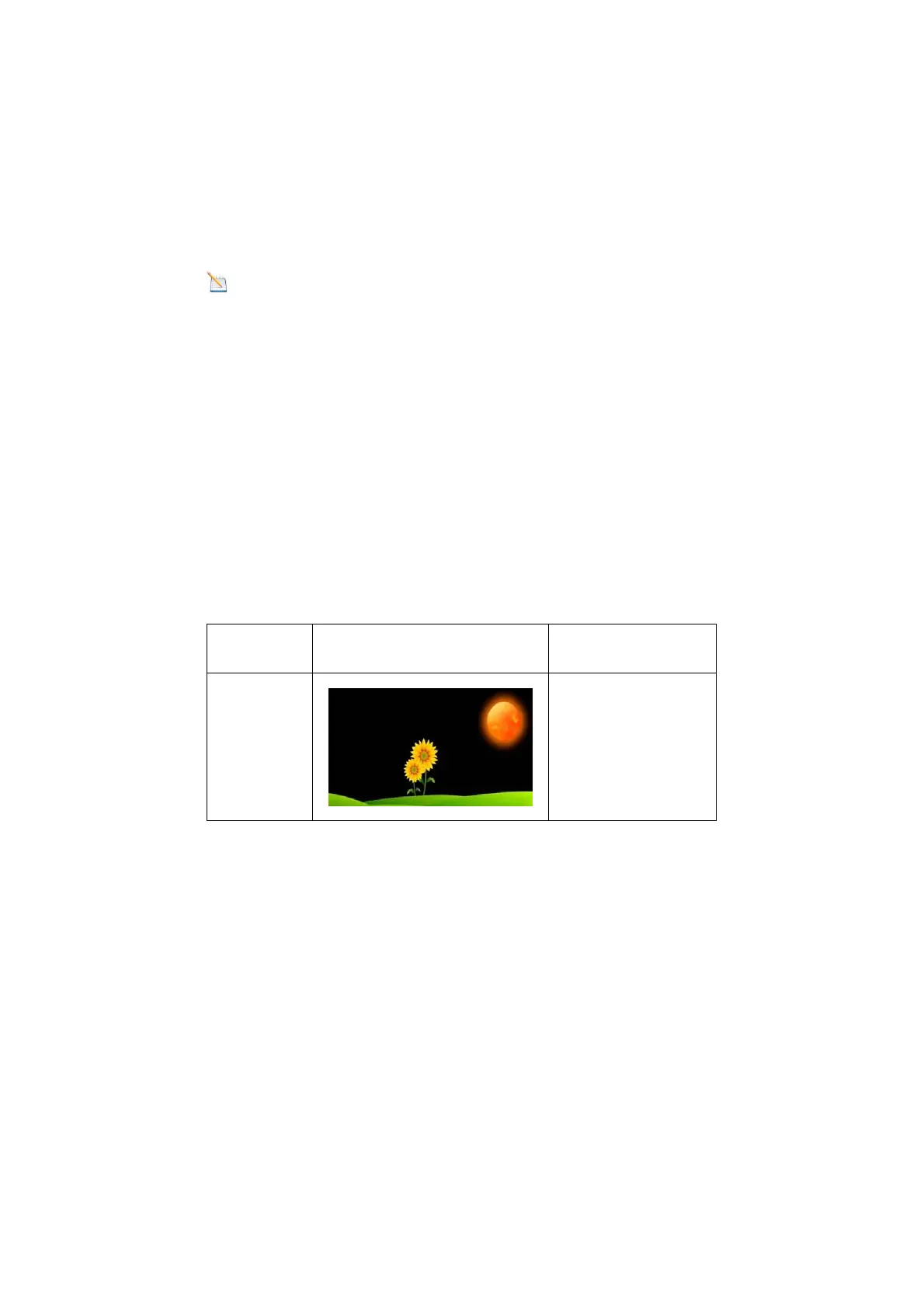
10.2 Weather I cons
Condition Icon Description
Sunny
Pressure is rising
and the previous
condition is partly
cloudy.



 To Next Page