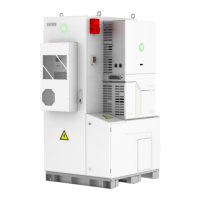
Figure 3.6 Bracket for B1-5.1-48
Fix the brackets in the marked position with hex screws.
Figure 3.7 Mounting the brackets
Please be careful when installing the device. First remove the nut from the
waterproof cable gland, then reapply the cable gland, but do not tighten it,
tighten it after inserting the cable. The ports that do not require wiring should
remain in their original state.


 To Next Page
 Loading...