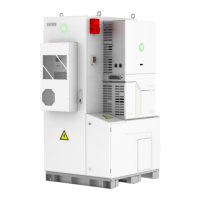
4.4 Install the right cover
Use the M4 screw previously removed to lock the cover plate. Torque is
recommended 14kgf.cm. After installation, please connect Battery Switch
cable back to (PCB-CN3) port. And then restore the battery and inverter
compartment cover plate.
Figure 4.10 Install the right cover
4.5 Ground Connection
Remove the external hex head screw and lead a grounding cable through
OT terminal, screw it into the grounding port of inverter enclosure (in
clockwise direction) and make sure it is screwed up tightly.
Figure 4.11 Ground connection


 To Next Page
 Loading...