4 Check Information
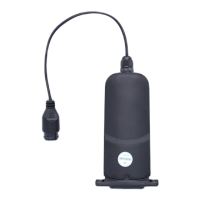
4.1 eSolar WiFi-RS485 Information Check
Indicator lamp
When interaction with APP data
When Router is not configured
When data is normally uploaded on the server
When data hasn’t been uploaded on the server
4.2 eSolar MeterS-RS 485 Information
Information such as voltage, current, frequency, power and connection details with
WiFi module could be shown on the display screen directly.
RUN
the system runs the indicator lamp
Normal operation when power-on
PULSE
electric energy pulse indicator lamp
When 1/3200 KWH power tested
Login APP → connect module WiFi → enter “remote control” interface to
select “device information”
You can view basic information, running information, power information, and


 To Next Page
 Loading...