-- End
4.5.2. Installing the Communication Module
About this task
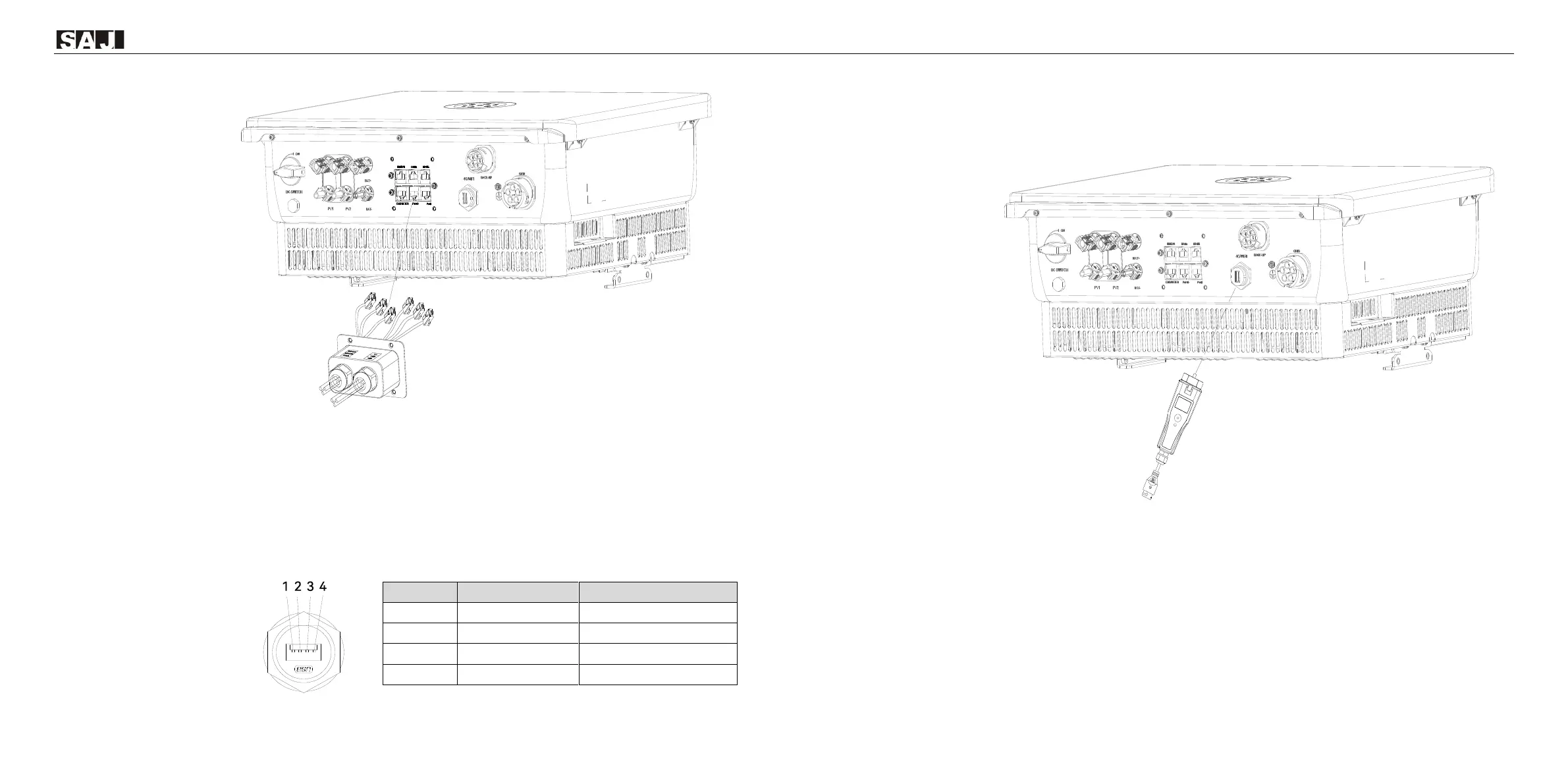
H2 series hybrid inverter has an RS232 communication port integrated. For the USB port with the Wi-Fi module,
refer to the WI-Fi module user manual.
Procedure
1. Open the cover on the 4G/WIFI port.
2. Insert the communication module to the 4G/WIFI port. Secure the module by rotating the nut.
-- End
4.6. Connecting the BMS
About this task
For connections to lithium batteries, no breaker is required between the batteries and the inverter.
Prerequisite
⚫ The battery management system (BMS) (including the battery control unit and battery packs) has been
installed.
⚫ The BMS is powered off.



 To Next Page
 Loading...