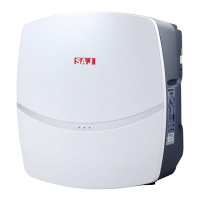
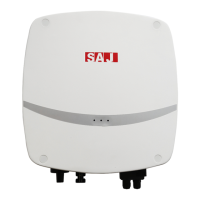
R5 Series
6.2 Monitoring Operation and Battery manage system
● Here is no LCD display screen in R5 series products and they could be
monitored though eSolar APP.
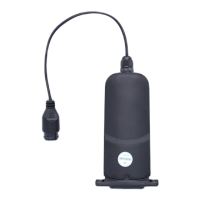
● This equipment is standardly equipped with a USB interface which could
transfer GPRS/4G module (with built-in bluetooth) and Wi-Fi module to monitor
running state of the equipment.
6.2.1 APP introduction
eSolar could achieve communication with the equipment via Bluetooth, GPRS/4G
and Wi-Fi and it is an APP for nearby and remote monitoring.
Download APP
Users using iOS system could search for “eSolar O&M” in App Store and
download this App.
Users using Android system could search for “eSolar O&M” in Google play and
download this App.
For iOS/Android system, you could visit SAJ official website: www.saj-electric.cn
and scan the QR code to download “eSolar O&M” APP.
Account---Please use the installer account login.
Note: For the end user, please download and install the “eSolar Air” APP and log
in to the APP or SAJ official website to register your account.
6.2.2 Nearby monitoring
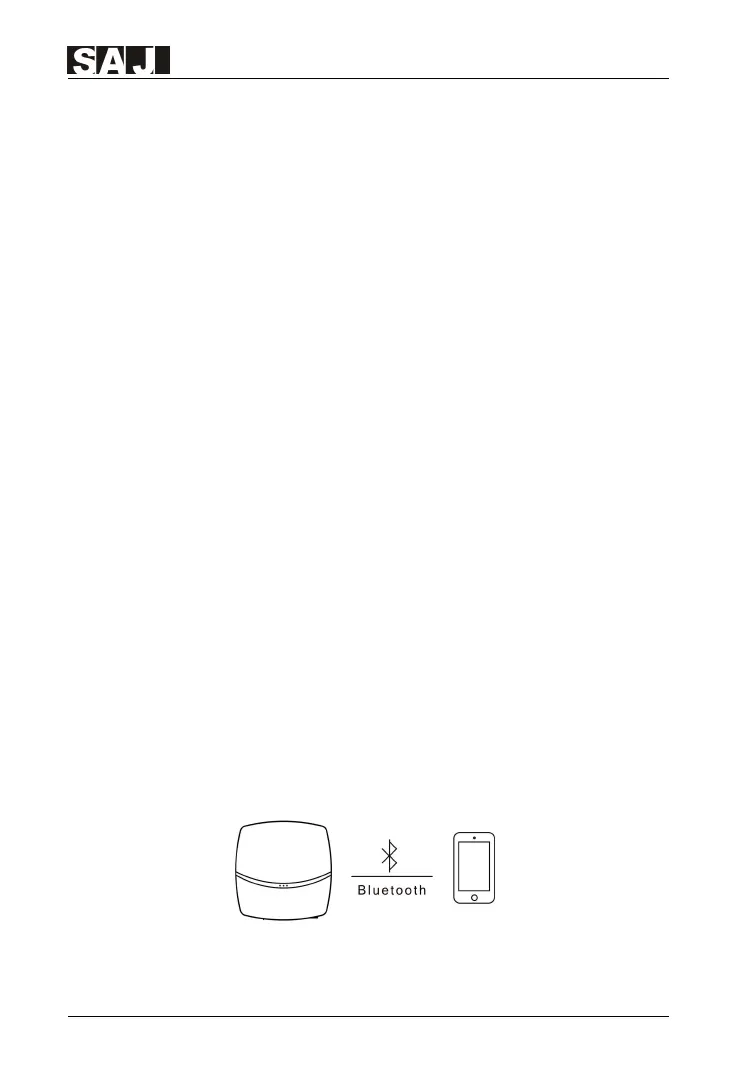
Connecting way 1 — Bluetooth connection
After installing the eSolar GPRS/4G module (with built-in bluetooh) the mobile
phone could be directly connected with the inverter via Bluetooth.
Figure 6.2 Bluetooth connection schematic diagram


 To Next Page
 Loading...