12
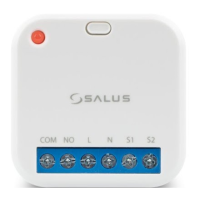
NOCOM L N S1 S2
7 8 9
121110
13 14
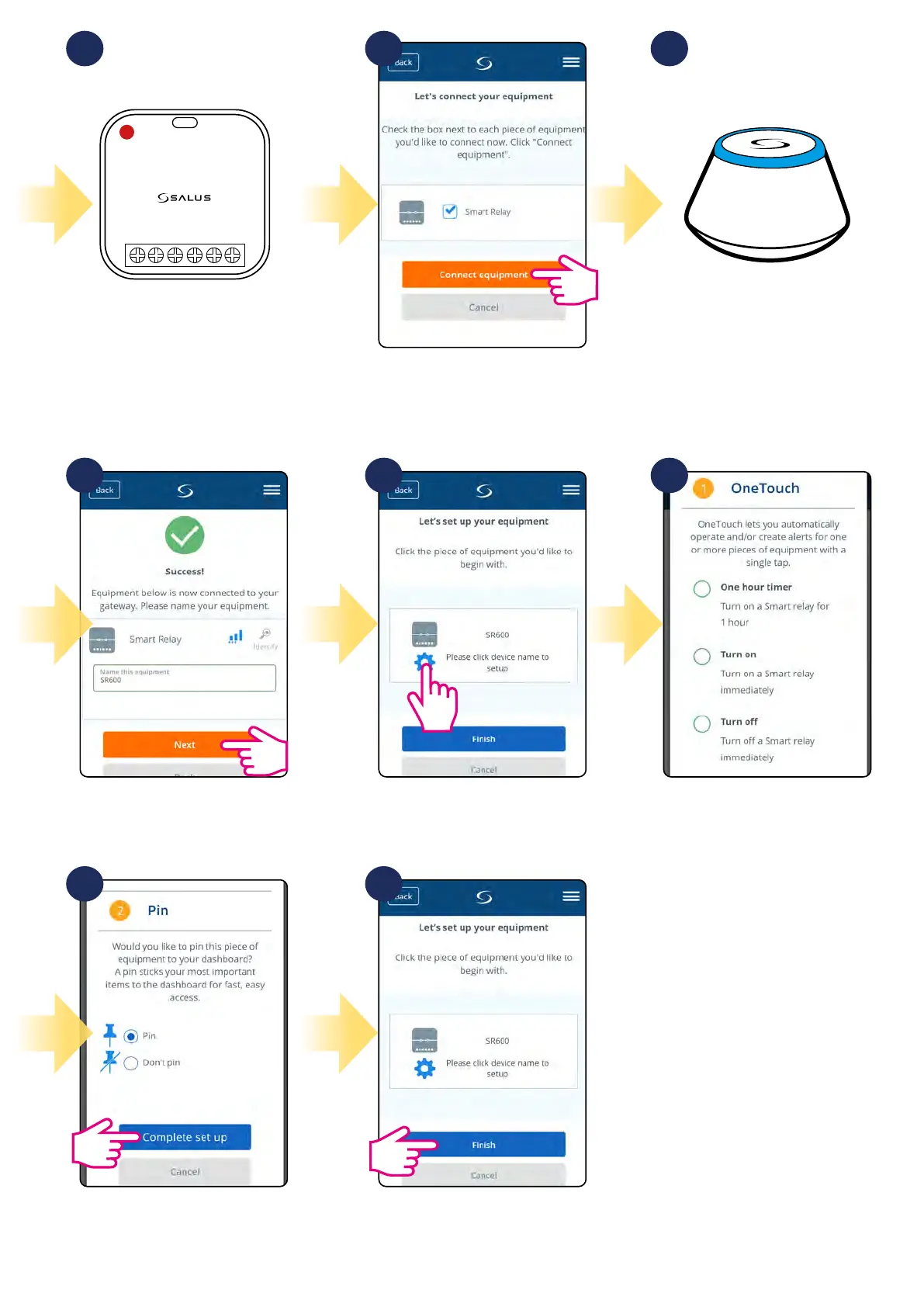
When red diode lights up
constantly, then SR600 has been
added to your ZigBee network.
Select your SR600 smart relay and
press „Connect equipment” button.
Gateway stop ashing and turn to
steady blue color which means it has
found your device.
You can additionaly choose quick
OneTouch rule to set for your SR600.
Press gear icon.Name your device and go „Next”.
Pin thermostat to the main app
screen and complete set up. Pairing
process has been nished.
Select „Finish” to nish pairing
process. SR600 has been added to
the app and paired with UGE600.


 To Next Page