8
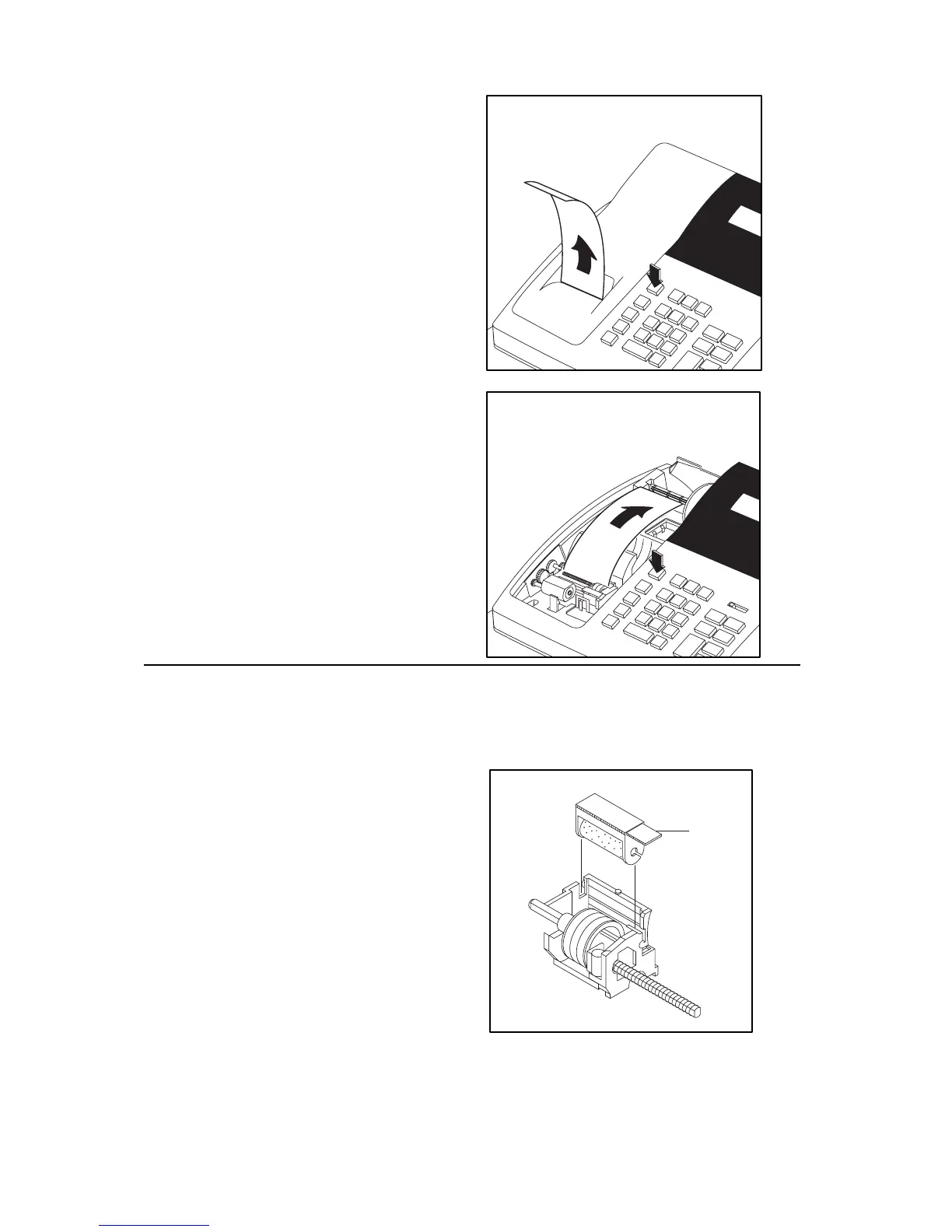
For Receipt Only
1. Pass paper through the
receipt window of
printer cover. Replace
over printer
compartment.
For Journal Only
2. Route paper over the
top of the paper guide
and insert in the slot of
the take-up spool.
3. Press the ″FEED″ key
to wind paper securely
on the spool.
4. Replace printer cover.
Replacing the Ink Roller
Ink rollers are disposable, and should not be re-inked. Re-inking can
cause damage to the printer. To replace the Ink Roller:
1. Remove the old roller
by lifting straight up on
the lever located on the
left side of the printer.
2. Place the new roller in
position (handle to the
left) and snap it into
place by pressing it
straight down.



 To Next Page