9
Clear Random Access Memory (RAM) and
Initialize Cash Register
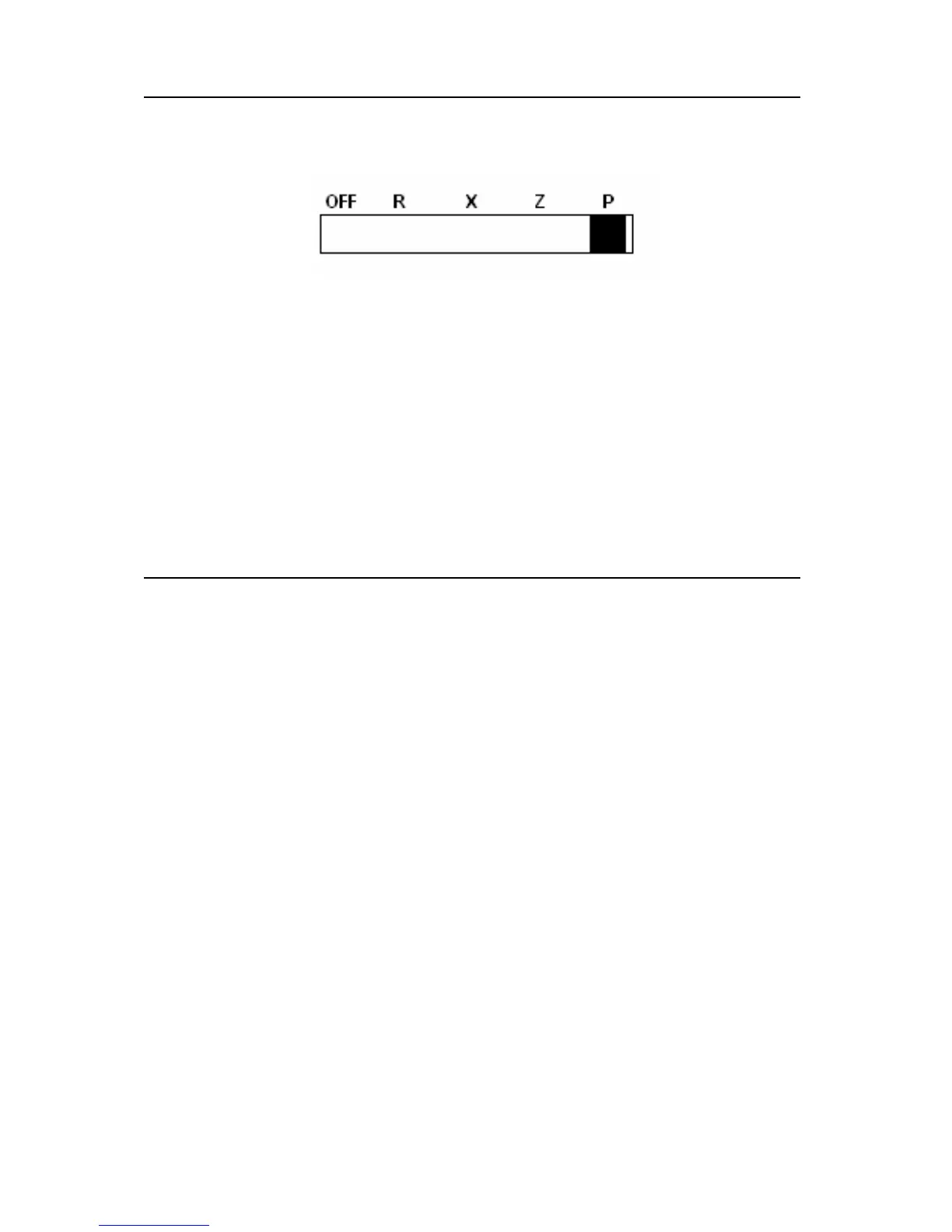
1. Before plugging register in, place mode switch in P position.
2. Connect the AC plug into a power outlet while pressing the ″C″
and ″00″ keys.
3. RAM is now cleared of all memory and the register prints a line
of decimals (″........″).
NOTE: This is a one time only procedure to be performed after
the battery is first installed. DO NOT CLEAR RAM ONCE
THE REGISTER IS PROGRAMMED OR PROGRAMS AND
TOTALS
Tax Rate Programming
The ER-150II may be programmed to tax items at either a straight
percentage tax rate, or a tax table.
Entering a Straight Percentage Tax Rate
The ER-150II will accept a 5 digit tax rate, with the decimal point fixed
at three places (00.000). If your area taxes goods based on a straight
percentage, enter the rate in the following manner.
1. Place mode switch in P position.
2. Press 1 and then enter the five digit tax rate.
3. Press TAX.



 To Next Page