For Additional Questions
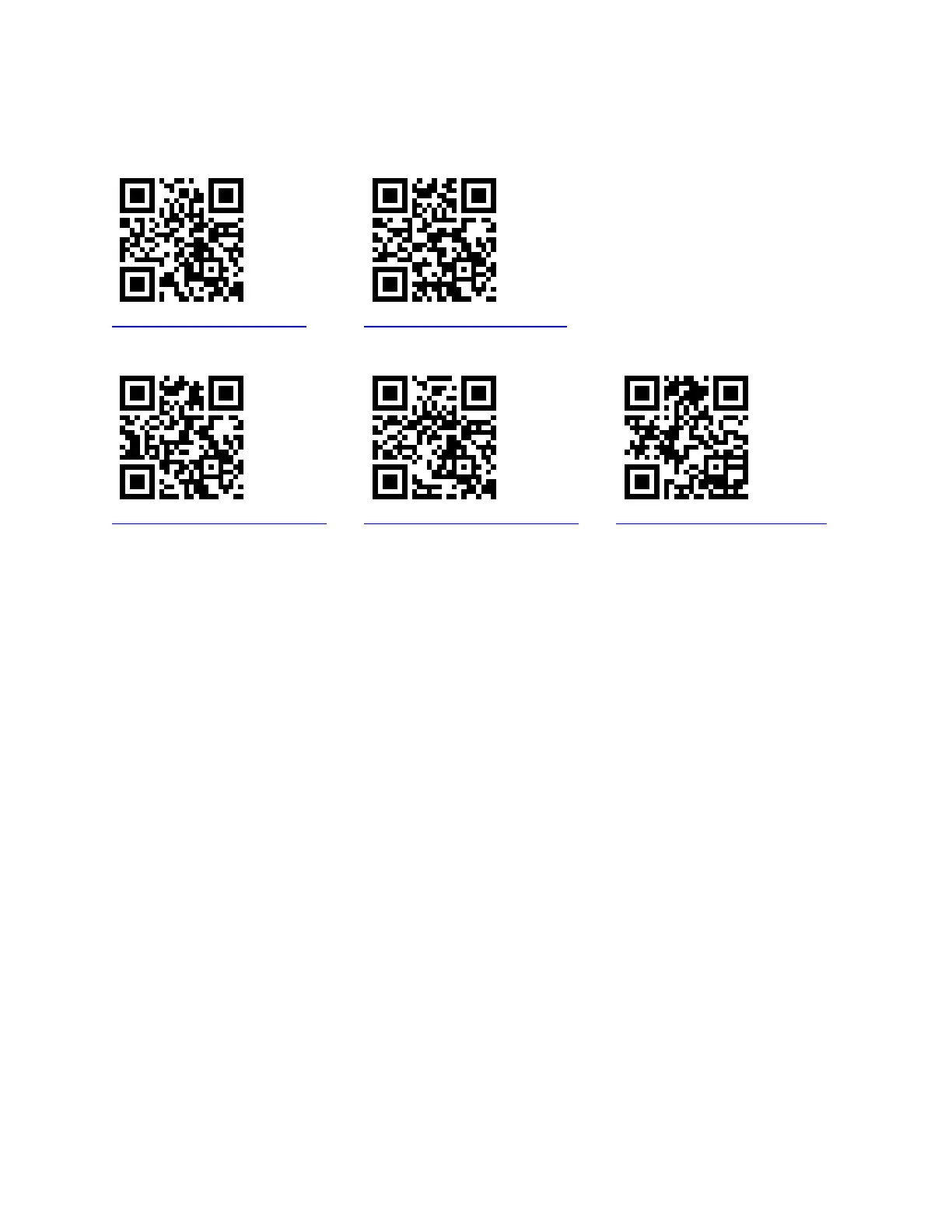
See Links to our YouTube training video series for step by step instructions on setting up the
register, general operations and basic programming
Single Register Setup Multi-register Setup
http://youtu.be/LndqbxYIu2g http://youtu.be/k4MhgA58_2o
General Operations Basic Programming Running Reports
http://youtu.be/RGqBX1VDAYc http://youtu.be/RGqBX1VDAYc http://youtu.be/2kmRtONKG10
Scanner Programming
If your barcode scanner stops reading barcodes, use the Scan Sheet on the following page to recall
the default settings. You will have either the Symbol LS2208 or Symbol LS4208. When you identify
your scanner, scan each barcode in order from top to bottom in the appropriate column.



 To Next Page