31
5
CONSTRUCTION, LAYOUT & CONTROLS
Controls & Indications
The description and the functions of the controls and indications are given below:
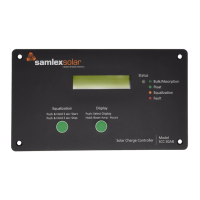
Front Panel
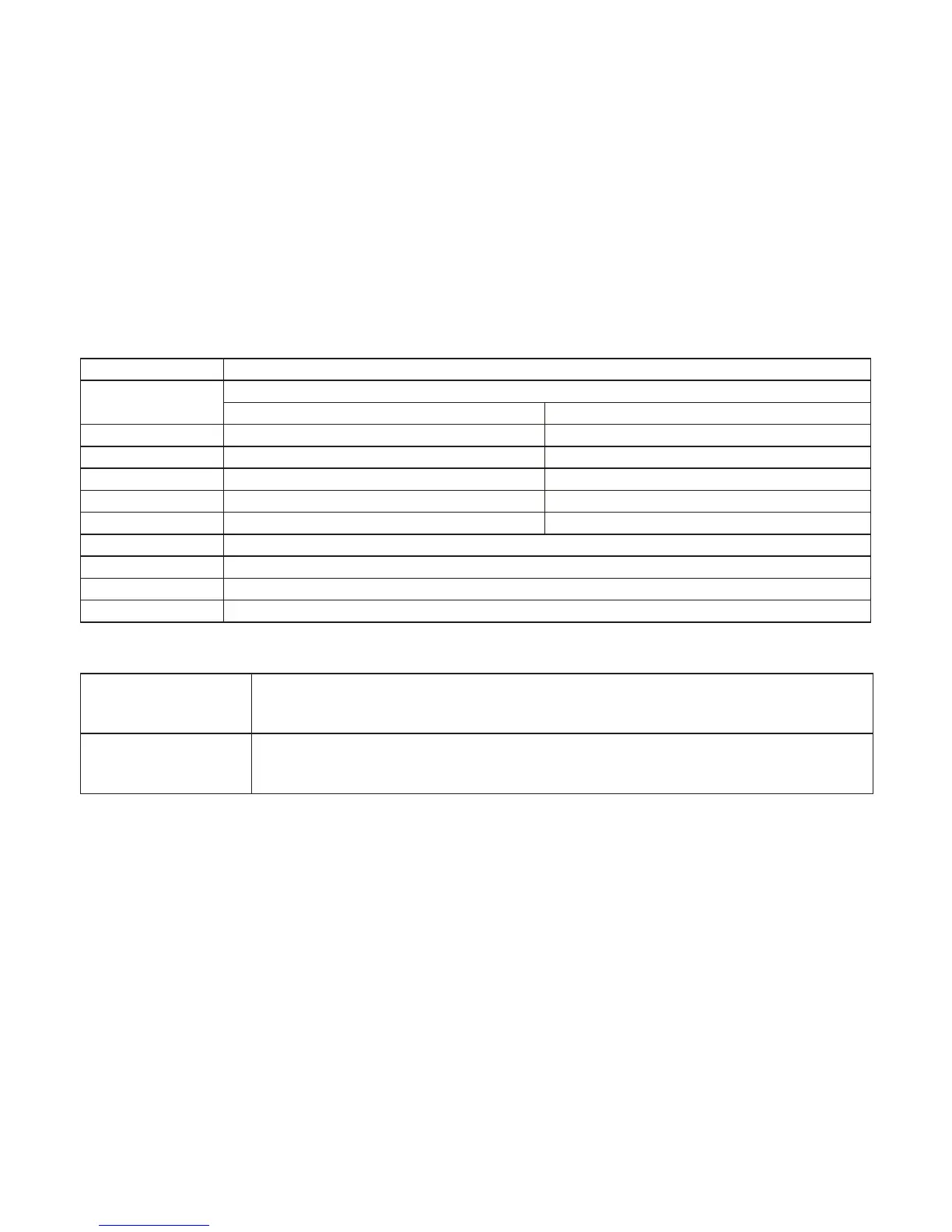
Charge Status LED Indications
LED State Indication
Blinking Green
Charging is in the state of Bulk or Absorption depending upon the number of blinks as follows:
For 12 V Battery For 24 V Battery
- 1 Green Blink > 0.75 V below Absorption Voltage setting > 1.5 V below Absorption voltage setting
- 2 Green Blinks 0.75 V below Absorption Voltage setting 1.5 V below Absorption Voltage setting
- 3 Green Blinks 0.5 V below Absorption Voltage setting 1.0 V below Absorption Voltage setting
- 4 Green Blinks 0.25 V below Absorption Voltage setting 0.5 V below Absorption Voltage setting
- 5 Green Blinks At Absorption Voltage setting At Absorption Voltage setting
Solid Green Charging is in the state of Float
Solid Orange Charging is in the state of Equalization
Solid Red Charging is in the state of fault: Over current
Blinking Red Charging is in the state of fault: Over Temperature
Push Buttons
Display
Reset Amp-Hours
Push to change the display as in Fig. 5.3.
Push and hold to reset Amp-Hours.
Equalization
Start/Stop
When DIP Switch 5 is set at OFF, hold Restart/Stop Equalization for 5 sec
to manually start equalization. Press it for 2 sec to stop equalization.
LCD Display
The LCD Display is a 2 Line, 16 character display with backlighting. The Push Switch
marked “PUSH Select Display” and “HOLD – Reset Amp Hours” is used to manipulate
the LCD functions. Every time the Push Switch is pressed, the screen display scrolls. The
scrolling sequence is shown in Fig. 5.3.
• The LCD provides the following information:
• Solar PV Array 0~30 Amps DC
• Battery Voltage: 4 to 80 Volts DC
• Watts: 0 to 3600 Watts (Volts time Amps)
• Amp-hours: 0 to 655536Ah; can be reset to 0
• Totalizing Amp-Hours: 0 to 65536 Ah; reset to 0 when power is disconnected
• Control mode and battery charging status


 To Next Page