14
Samson AirLine
The basic procedure for setting up and using your AirLine System takes only a few minutes:
1. For your AirLine system to work correctly, both the receiver and transmitter must be set to the same channel. Remove all packing
materials (save them in case of need for future service) and check to make sure that the supplied AR1 receiver and AX1, AL1 or AH1
transmitter are set to the same channel (page 71 in this manual presents a complete channel plan). If these channels do not match,
contact your distributor or, if purchased in the United States, Samson Technical Support at 1-800-372-6766.
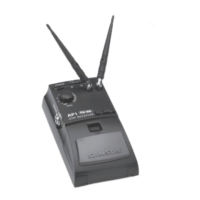
2. Physically place the AR1 receiver where it will be used (the general rule of thumb is to maintain “line of sight” between the
receiver and transmitter so that the person using or wearing the transmitter can see the receiver). The supplied wall-mount holder
allows the AR1 to be mounted on a wall if desired. Extend the AR1 antenna and place it in a vertical position.
3. Make sure the Power on-off switch in your transmitter is set to “Off.”
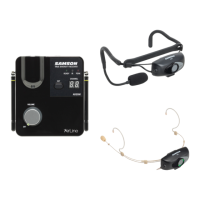
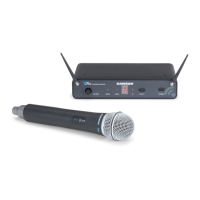
4a. If your system contains an AX1 handheld transmitter, unscrew the bottom section by turning it counterclockwise and then slide it
off.
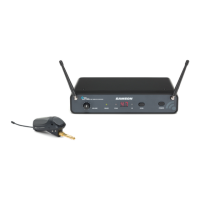
4b. If your system contains an AL1 body pack transmitter, turn it over and slide off the battery door.
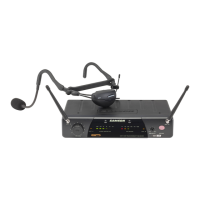
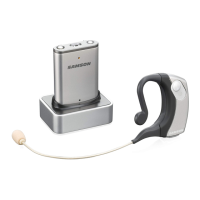
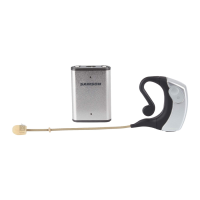
4c. If your system contains an AH1 headset transmitter, gently pry off the battery cover and slide it upwards and off to open the
battery compartment. Please use care when opening this cover as undue force will destroy the hinge.
5. Place a fresh AAA alkaline battery in the transmitter battery compartment, taking care to observe the polarity markings. If you are
using an AX1 handheld transmitter, replace the bottom section by sliding it on and then screwing it back on. If you are using an AL1
body pack transmitter, replace the battery door by sliding it in until it clicks. If you are using an AH1 headset transmitter, replace the
battery cover and gently press down on it until it clicks. Whichever transmitter you are using, leave it off for the moment.
6. Make the physical cable connection between the AR1 output jack and a mic level audio input of your amplifier or mixer. The
balanced XLR jack is preferable, since it will deliver an electromagnetically cleaner signal. If required, both the balanced and
unbalanced outputs can be used simultaneously. Leave your amplifier (and/or mixer) off at this time.
7. Turn the Volume knob on the AR1 completely counterclockwise. Connect the supplied AC adapter to the DC Input on the side of
Setting Up and Using Your AirLine System
ENGLISH






 To Next Page