Owner’s Manual
15
ENGLISH
FRANÇAISDEUTSCHEESPAÑOLITALIANOPOLSKI
1. Remove the Adjustable Mounting Arm by loosening the Lock Screw, sliding the
arm to the closed position, then unscrew the Lock Screw completely and remove.
2. Slide the mounting arm out of the receiver. Replace the Adjustable Mounting
Arm with the Insert Cover piece.
3. Replace the Lock Screw.
4. Remove the fixed Mounting Arm by removing the two Phillips head screws.
5. Affix the Large Hook-and-loop piece by peeling the adhesive backing off of the
hook side and placing the Large Hook-and-loop section onto the back of the Go
Mic Mobile Receiver.
6. Remove the backing of the loop side and position the receiver on the rear side of
the tablet.
7. Press the Go Mic Mobile Receiver against the tablet to secure.
8. If the Go Mic Mobile Receiver is not secure, use the additional Small Hook-and-
loop section.
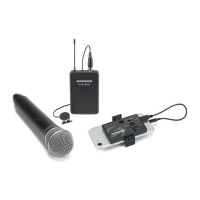
Mounting to a tablet






 To Next Page