¦ Channel Editor
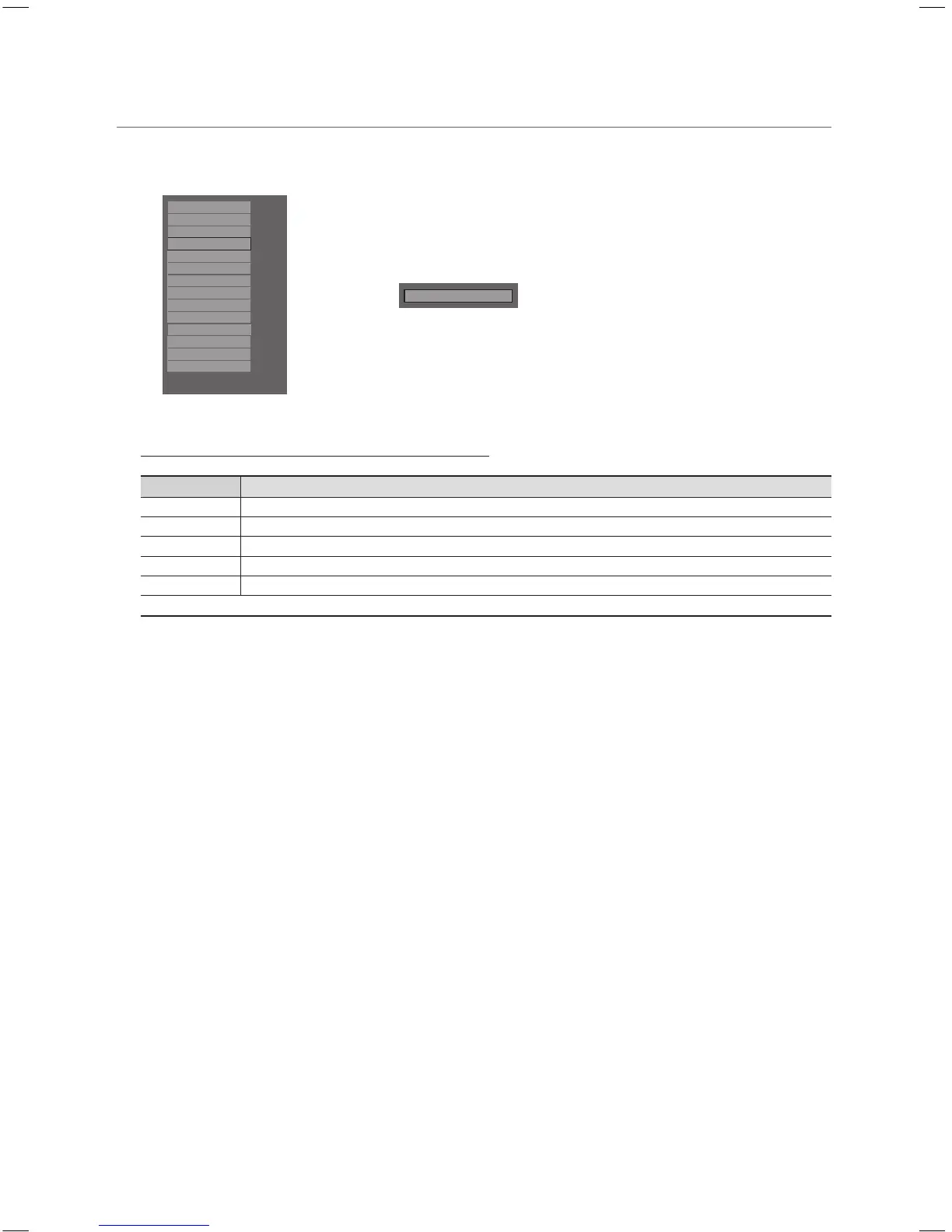
Channel Editor is a function to edit channel number and name.
– Use Channel Editor to sort the channels as user-desired channel numbers.
Hospitality Mode
Standalone
SI Vendor
OFF
Power On
Channel
My Channel
Menu OSD
Operation
Music Mode
External Source
Eco Solution
Logo/Message
Cloning
REACH Server
Service
r
Channel Editor
<Depending on model and region, some menu items may not exist>
Simple Steps for Channel Editor under Stand-alone Mode
Step Broad Outline
1 Operate ‘Channel Auto Store’ in Hotel Option Menu
2 Enter ‘Channel Editor’ in Hotel Option Menu
3 Compile a table related to the final channel lists you want to have
4 Rearrange channels with TOOLS Button based on the table you compiled
5 Press EXIT or RETURN Button to exit.
<For better comprehension, please refer to the following details>
[HB460-XC]Install Guide-ENG.indd 25 2013-04-03 �� 3:27:09



 To Next Page