Verizon 4G LTE Network Extender 2 User Guide v1.1 vii
Copyright © 2017, All Rights Reserved.
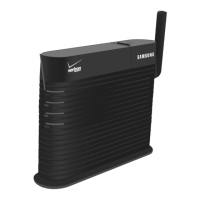
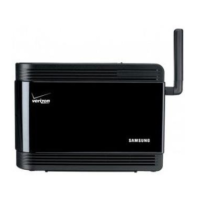
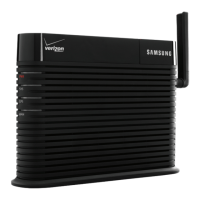
This user guide describes how to install the 4G LTE Network Extender 2 and
provides cable connection specifications.
Relevance
This user guide applies to the following products/software
SLS-BU10B 3.1
Conventions in this Document
Samsung Networks product documentation uses the following conventions.
Symbols
Indicates a shortcut or an alternative method.
Provides additional information.
Provides information or instructions that you should follow to avoid service
failure or damage to equipment.
Provides information or instructions that you should follow to avoid personal
injury or fatality.
Provides antistatic precautions that you should observe.
Revision History
The following table lists all versions of this document.
1.0 June 2017 First version
- Updated Chapter 2 Network Extender Setup with additional
LED information;
1.1 Oct. 2017 Second version
-Updated all picture including Admin Website and Chapter 5
Troubleshooting


 To Next Page