Stereo Connections 1
You can enjoy stereo sound when watching movies and TV shows by
connecting your D VD. VCR to your home stereo system or stereo
TV.
1 Connect DVD.VCR to Stereo
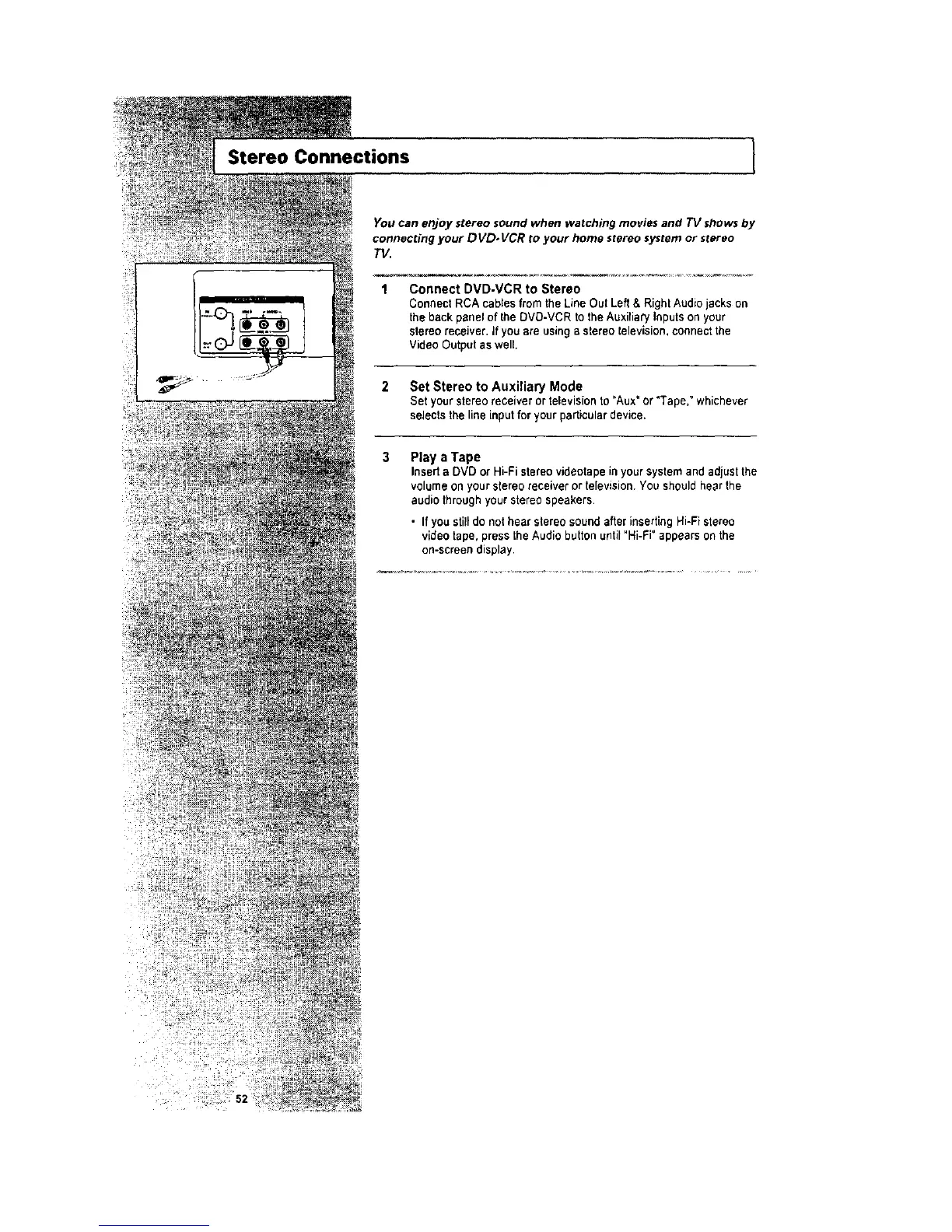
Connect RCA cables from the Line Out Left & Right Audio jacks on
the back panel of the DVD-VCR to lhe Auxiliary Inputs on your
stereo receiver. If you are using a stereo television, connect the
Video Output as well.
2 Set Stereo to Auxiliary Mode
Set your stereoreceiver or television to "Aux" or "Tape," whichever
selects the line input for your particular device.
3 Play a Tape
Inserta DVD or Hi-Fi stereo videotape in your systemand adjust the
volume on your stereo receiver or television. You should hear the
audio throughyour stereo speakers•
• If you stilldo not hear stereo sound after inserting Hi-Fi stereo
video tape, press the Audio button until "Hi-Fi" appears on the
on-screen display•




 To Next Page