EasyManua.ls Logo

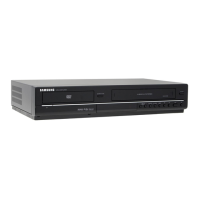
Samsung DVD-V9800M - User Manual

Samsung DVD-V9800M
88 pages
Print Icon
To Next Page IconTo Next Page
Loading...
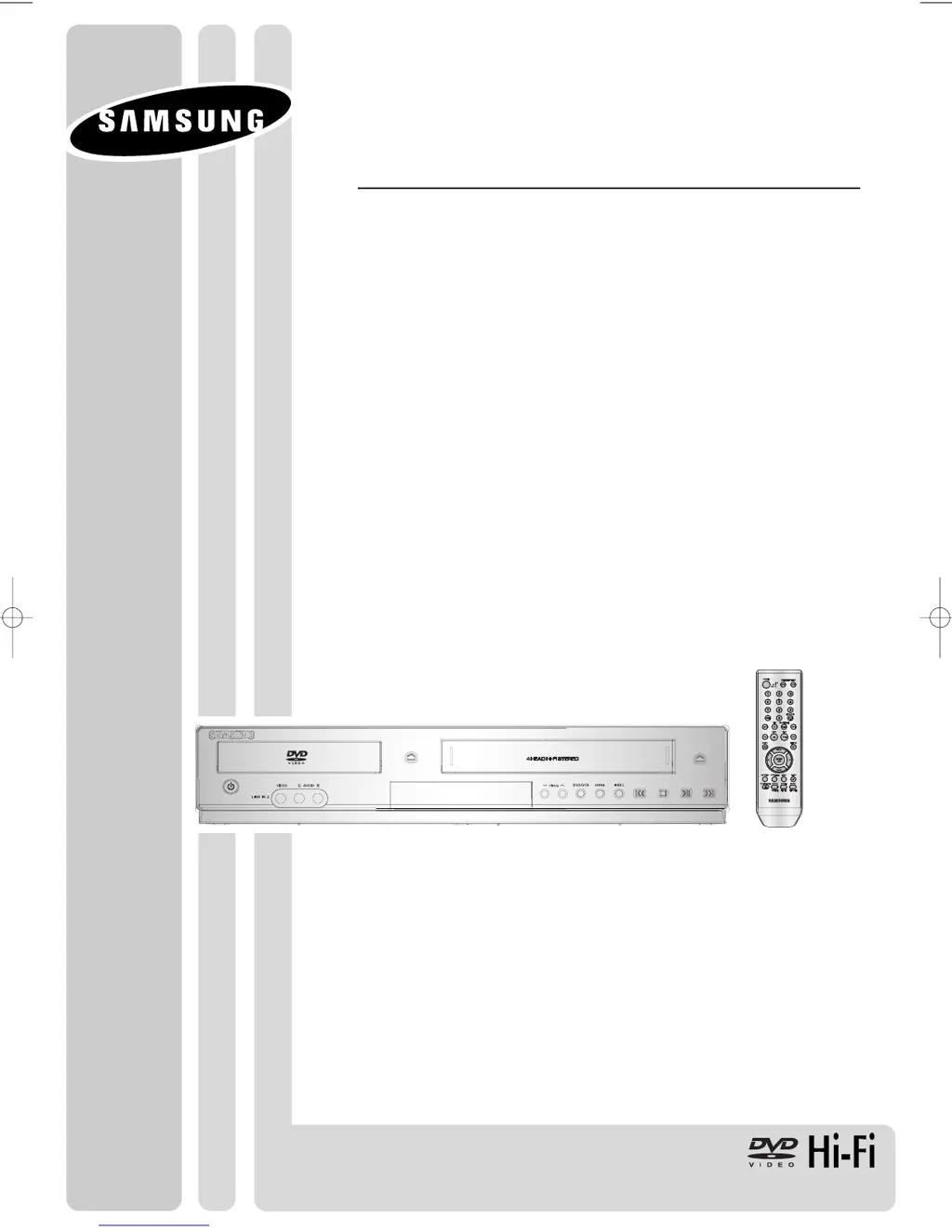
Instruction Manual
DVD-V9800
AK68-01623B-01
www.samsung.com
01623B_V9800_XAA_Eng1 3/27/08 7:44 AM Page 1

Table of Contents

Questions and Answers

  • D
    Daniel WilliamsAug 15, 2025
    How to fix Samsung DVD-V9800M remote control not working?
    • P
      Patricia TorresAug 15, 2025
      If your Samsung DVD Player's remote control isn't working, try these steps: First, check and replace the batteries. Ensure you're within 20 feet of the unit. If it still fails, remove the batteries, press and hold any button(s) for a few minutes to reset the remote's microprocessor, then reinstall the batteries and try again.
  • D
    David CochranAug 18, 2025
    How to reset forgotten password on Samsung DVD Player?
    • C
      cynthia50Aug 18, 2025
      If you've forgotten your password on your Samsung DVD Player, start the unit without a disc inside. Then, simultaneously press the / button on the front panel for 5 seconds. This will revert all settings, including the password, to the factory defaults. Use this method only when absolutely necessary.
  • X
    xsantiagoAug 21, 2025
    Why my Samsung DVD-V9800M DVD Player disc does not play?
    • C
      chelseabyrdAug 21, 2025
      If your Samsung DVD Player isn't playing discs, make sure the disc is inserted with the label side facing up. Also, verify that the DVD's region code is compatible with your player.
  • W
    Whitney HurleyAug 25, 2025
    What to do if there is no audio on Samsung DVD-V9800M?
    • E
      Emily WellsAug 25, 2025
      If you're not getting any audio from your Samsung DVD Player, ensure that you've selected the correct Digital Output in the Audio Options Menu.
  • A
    adkinsconnieAug 28, 2025
    Why is 5.1 channel sound not working on my Samsung DVD-V9800M DVD Player?
    • J
      Jason JamesAug 28, 2025
      5. 1 channel sound will only work if: * The DVD-VCR is connected to the correct amplifier. * The disc has 5.1 channel sound recorded on it (look for the “5.1 ch” mark). * Your audio system is properly connected and working. * The Audio Output in the DVD Setup Menu is set to Bitstream.
  • D
    Desiree HernandezAug 30, 2025
    How to fix noisy or distorted picture on Samsung DVD Player?
    • N
      nelsonanitaAug 30, 2025
      If the picture on your Samsung DVD Player is noisy or distorted, check the disc for dirt or scratches. Clean the disc if necessary.
  • L
    Lisa ThomasSep 2, 2025
    Why was my Samsung DVD Player timer recording unsuccessful?
    • S
      Sara LewisSep 2, 2025
      If your Samsung DVD Player's timer recording failed, double-check the recording start and stop time settings. Also, be aware that a power failure or interruption during timer recording will cancel the recording.
  • S
    Sara LewisSep 5, 2025
    Why I can't insert a video cassette into my Samsung DVD Player?
    • J
      Jessica WilliamsSep 6, 2025
      A video cassette can only be inserted into your Samsung DVD Player with the window side up and the safety tab facing you.
  • C
    Carolyn ManningSep 8, 2025
    How to remove noise bars or streaks on playback on Samsung DVD Player?
    • I
      ichavezSep 8, 2025
      To minimize noise bars or streaks during playback on your Samsung DVD Player, press the TRK buttons.
  • N
    Nicole Henry MDSep 12, 2025
    How to fix noise bar streaks in still picture on Samsung DVD-V9800M DVD Player?
    • K
      Kayla WilliamsonSep 12, 2025
      A still picture may have “noise bars”, depending on the condition of the tape. Press the TRK buttons during slow motion to minimize this effect on your Samsung DVD Player.

Summary

Safety Instructions and Precautions

Important Safety Instructions

Provides essential safety guidelines for operating the DVD-VCR.

Precautions

Details important precautions to prevent hazards and ensure proper operation.

Handling and Maintenance

Outlines handling procedures, disc storage, and cabinet maintenance for safe operation.

Connections

DVD Operations

Playing and Navigating Discs

Covers playing discs, search, skip, display, menus, and bookmarks.

Playback Features

Explains repeat play, slow play, aspect ratio, audio/subtitle selection, camera angle, and zoom.

System Setup Menu

Guides users through language, audio, display, parental control, and DivX setup options.

VCR Operations

Tape Handling and Playback

Covers inserting, ejecting, playing, pausing, and special playback features for VHS tapes.

Playback Adjustments

Explains automatic tracking and selecting cassette type for optimal playback.

Recording Features

Details basic recording, special features, OTR, recording speed, and timer recording.

Search and Indexing

Explains searching for specific sequences using the tape counter and variable search system.

Reference and Support

Troubleshooting

Offers basic troubleshooting steps for common problems encountered with the DVD-VCR.

Samsung DVD-V9800M Specifications

General IconGeneral
BrandSamsung
ModelDVD-V9800M
CategoryDVD Player
LanguageEnglish

Related product manuals