Extended functions
30
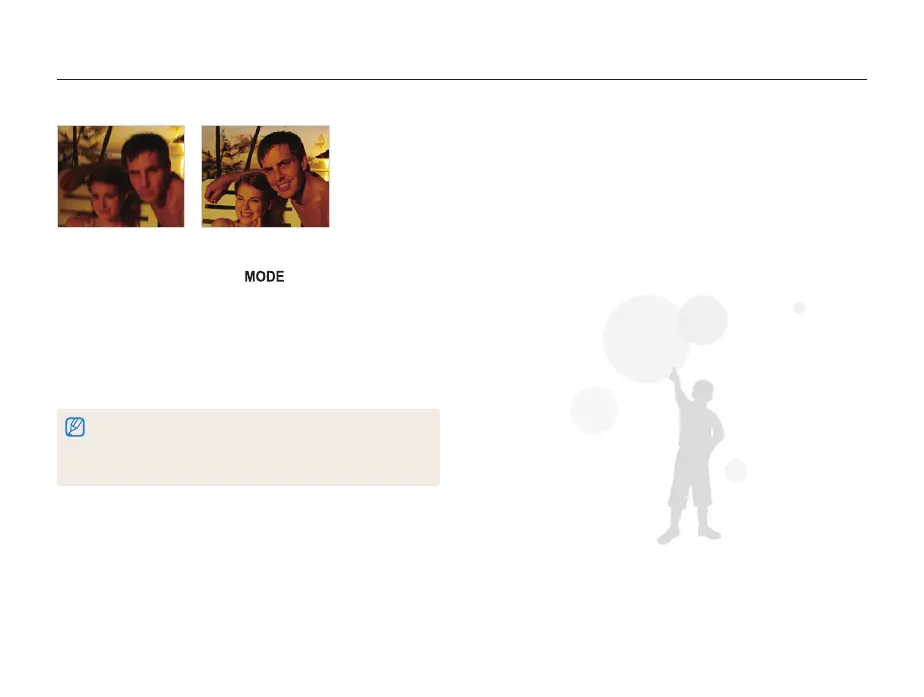
Before correction After correction
1
In Shooting mode, press [ ].
2
Select DIS.
3
Align your subject in the frame, and then half-press
[Shutter] to focus.
4
Press [Shutter] to take the photo.
• The digital zoom does not work in this mode.
• If your subject is moving rapidly, the photo may be blurry.
• The DIS function may not work where the lighting is brighter than that
of a fluorescent lamp.
Using the DIS mode
Reduce camera shake and prevent blurred photos with Digital Image Stabilization functions.



 To Next Page