Playback/Editing
57
Playing back
Viewing files by category in Smart Album
View and manage files by categories, such as date, file type, or
week.
1
In Playback mode, rotate [Zoom] to the left.
2
Press [ ].
3
Select a category.
Type
Date
Color
Week
Back Set
Option Description
Type
View files by file type.
Date
View files by the date they were saved.
Color
View files by the dominant color of the image.
Week
View files by the weekday they were saved.
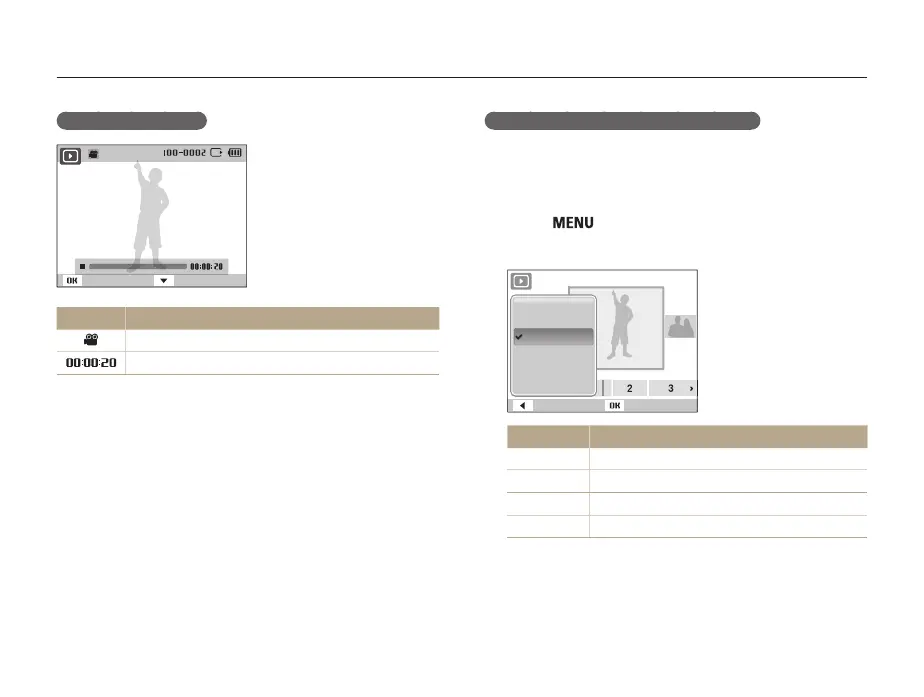
Video file information
Play Capture
Icon Description
Video file
Video length



 To Next Page