Extended functions
34
5
Press [ ].
6
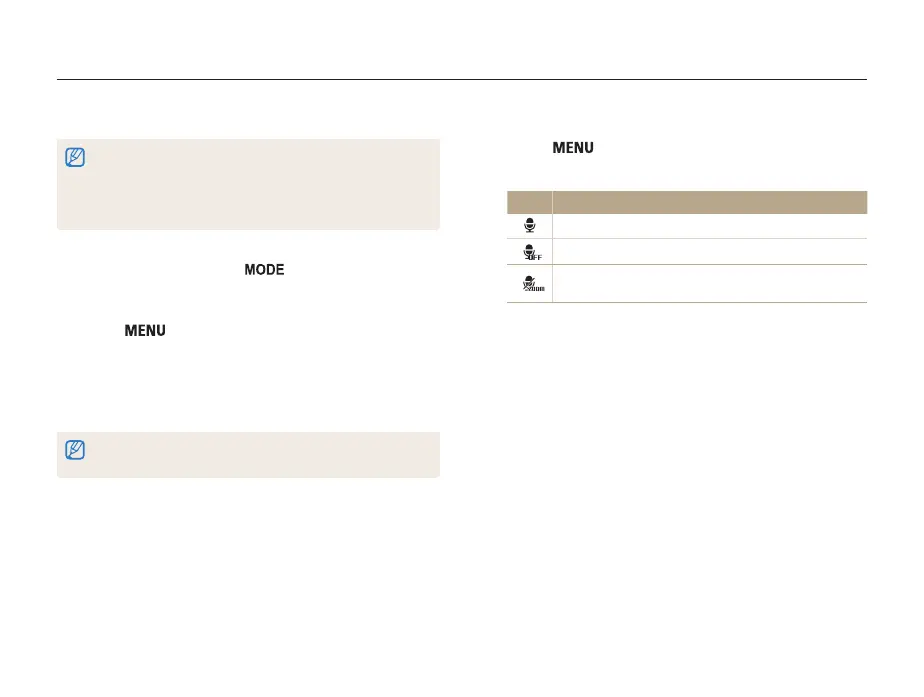
Select Movie → Voice → a sound option.
Option Description
On: Record a video with sound.
Off: Record a video without sound.
Zoom Mute: The camera stops recording sound
temporarily when you use the zoom.
7
Set other options as desired.
(For a list of options, refer to "Shooting options" on page
37)
8
Press [Shutter] to start recording.
9
Press [Shutter] again to stop recording.
Recording a video
In Movie mode, you can customize settings to record HD videos of up to 20 minutes (SD videos of up to 2 hours) in length. The camera
saves recorded videos as MJPEG files.
• Some memory cards may not support high definition recording. If this
case occurs, set a lower resolution for your camera setting.
• Memory cards with slow writing speeds will not support high-
resolution videos. To record high-resolution videos, use memory
cards with faster write speeds.
1
In Shooting mode, press [ ].
2
Select Movie.
3
Press [ ].
4
Select Movie → Frame Rate → a frame rate (the
number of frames per second).
• As the frame rate increases, action appears more natural, but
the file size also increases.
The maximum recording capacity for one video file is 4GB. If a video file
exceeds 4GB while recording videos, the recording stops automatically.



 To Next Page