Playback/Editing
74
Transferring files to your Mac computer
When you connect the camera to a Macintosh computer, the computer recognizes the camera automatically.
You can transfer files directly from the camera to the computer without installing any programs.
Mac OS 10.4 or later is supported.
3
Turn on the camera.
• The computer recognizes the camera automatically and
displays a removable disk icon.
If you set the USB option to Select Mode, select Computer in the
pop-up window.
4
Double-click the removable disk icon.
5
Transfer photos or videos to the computer.
1
Turn off the camera.
2
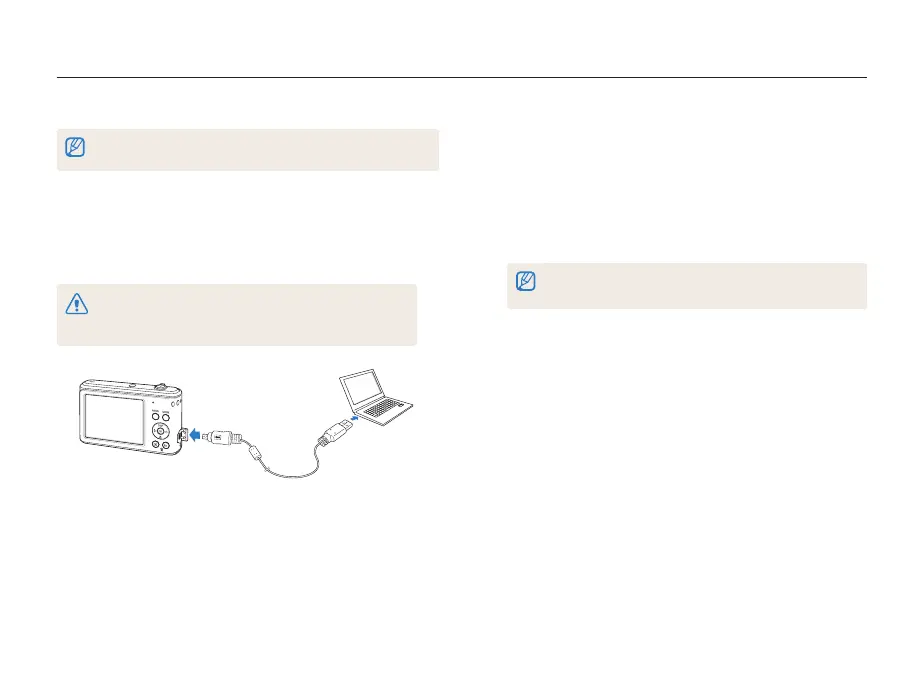
Connect your camera to a Macintosh computer with the
USB cable.
You must plug the small end of the USB cable into your camera. If the
cable is reversed, it may damage your files. The manufacturer is not
responsible for any loss of data.



 To Next Page