Playback/Editing
69
Transferring files to your Windows computer
Transfer files by connecting your camera to your Windows PC.
• The requirements are recommendation only. It may not work properly
even when the computer meets the requirements, depending on the
condition of your computer.
• If your computer does not meet the requirements, videos may not
play correctly or it may take longer to edit videos.
• Install DirectX 9.0c or above before you use the program.
• Your computer must be running Windows XP, Windows Vista, or
Windows 7 for you to connect the camera as a removable disk.
Using a self-assembled PC or a PC and OS that are not supported may void
your warranty.
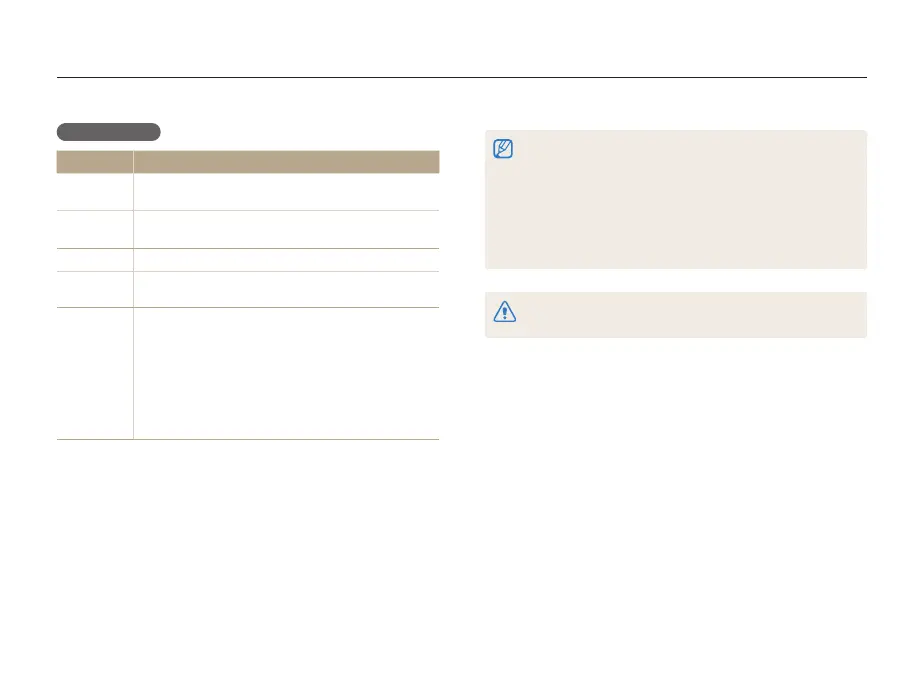
Requirements
Item Requirements
CPU
Intel
Pentium
4 3.2 GHz or higher/
AMD Athlon™ FX 2.6 GHz or higher
RAM
Minimum 512 MB RAM
(1 GB and above recommended)
OS
Windows XP SP2/Vista/7
Hard disk
capacity
250 MB or more (1 GB or more recommended)
Others
• 1024 X 768 pixels, 16-bit color display compatible
monitor (1280 X 1024 pixels, 32-bit color display
recommended)
• USB 2.0 port
• nVIDIA Geforce 7600GT or higher/ATI X1600 series
or higher
• Microsoft DirectX 9.0c or higher
* The Intelli-studio is installed as 32-bit operating program on 64-bit editions
of Windows XP, Windows Vista, and Windows 7.



 To Next Page