Playback/Editing
58
Playing back
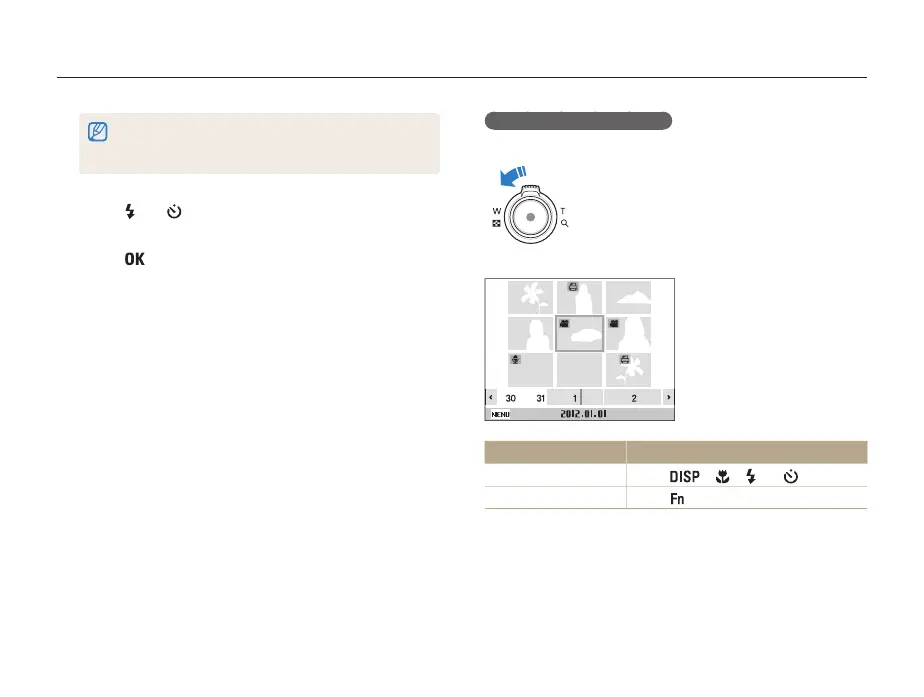
Viewing files as thumbnails
Scan thumbnails of files.
In Playback mode, rotate [Zoom] to the left to
display 9 or 20 thumbnails (rotate [Zoom] to the
right to return to the previous mode)
Filter
To Do this
Scroll through files
Press [ ], [ ], [ ] or [ ].
Delete files
Press [ ], and then select Yes.
• When selecting Color, Etc is shown if color is not extracted.
• It may take some time for the camera to open Smart Album or to
change the category and recognize files.
4
Press [ ] or [ ] to scroll through files.
• Press and hold to scroll through files quickly.
5
Press [ ] to return to the normal view.



 To Next Page