Appendixes
89
Camera maintenance
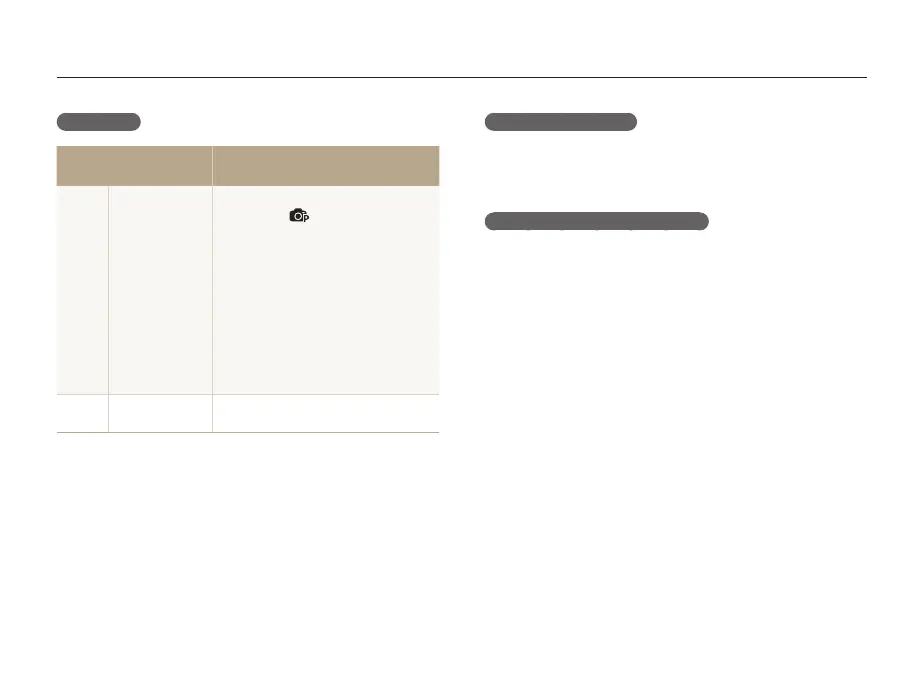
Battery life
Average time /
Number of photos
Test conditions
(when the battery is fully charged)
Photos
Approx. 100 min/
Approx.
200 photos
This is measured under the following
conditions: in
mode, in the darkness,
at 14M resolution, on Fine quality.
1. Set the flash option to Fill in, take a
single shot, and zoom in or out.
2. Set the flash option to Off, take a
single shot, and zoom in or out.
3. Perform steps 1 and 2 for 30
seconds and repeat for 5 minutes.
Then turn off the camera for 1 minute.
4. Repeat steps 1 to 3.
Videos
Approx. 95 min
Record videos at 1280 X 720 resolution
and 30 fps.
• The figures above are measured by Samsung’s standards and may differ
depending on actual usage.
• Several videos were recorded in succession to determine the total recording
time.
Low battery message
When the battery charge has fully discharged, the battery icon will
turn red and the ‘Low Battery’ message will appear.
Notes about usinging the battery
•Avoid exposing batteries or memory cards to very cold or very
hot temperatures (below 0º C/32º F or above 40º C/104º F).
Extreme temperatures can reduce the charging capacity of your
batteries.
•When you use the camera for an extended period, the area
around the battery chamber may become warm. This does not
affect the normal use of the camera.
•Do not pull the power supply cord to disconnect the plug from
the power outlet. This may cause a fire or electric shock.
•In temperatures below 0 ºC, battery capacity and battery life
may decrease.
•Battery capacity may decrease in low temperature but will
return to normal in milder temperature.



 To Next Page