Useful apps and features
83
Studio
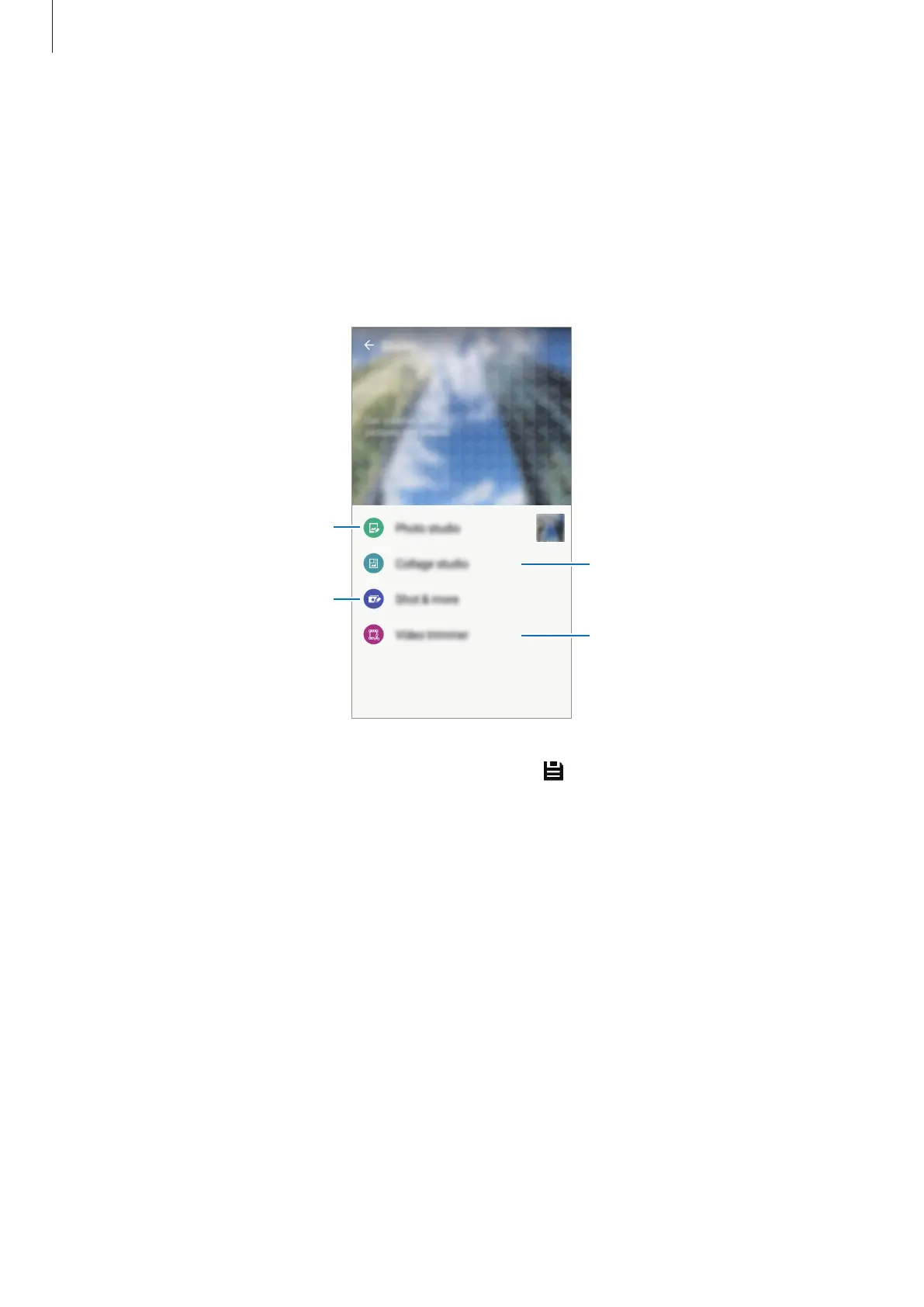
Edit images or videos by applying various effects.
1
Tap
Studio
on the Apps screen.
2
Select an option and edit images or videos.
Edit images by applying various
effects.
Apply various effects to the
images you have taken in Shot &
more mode.
Trim video segments.
Combine several images
together to create a collage.
3
When you are finished editing images or videos, tap or
DONE
.











 To Next Page